



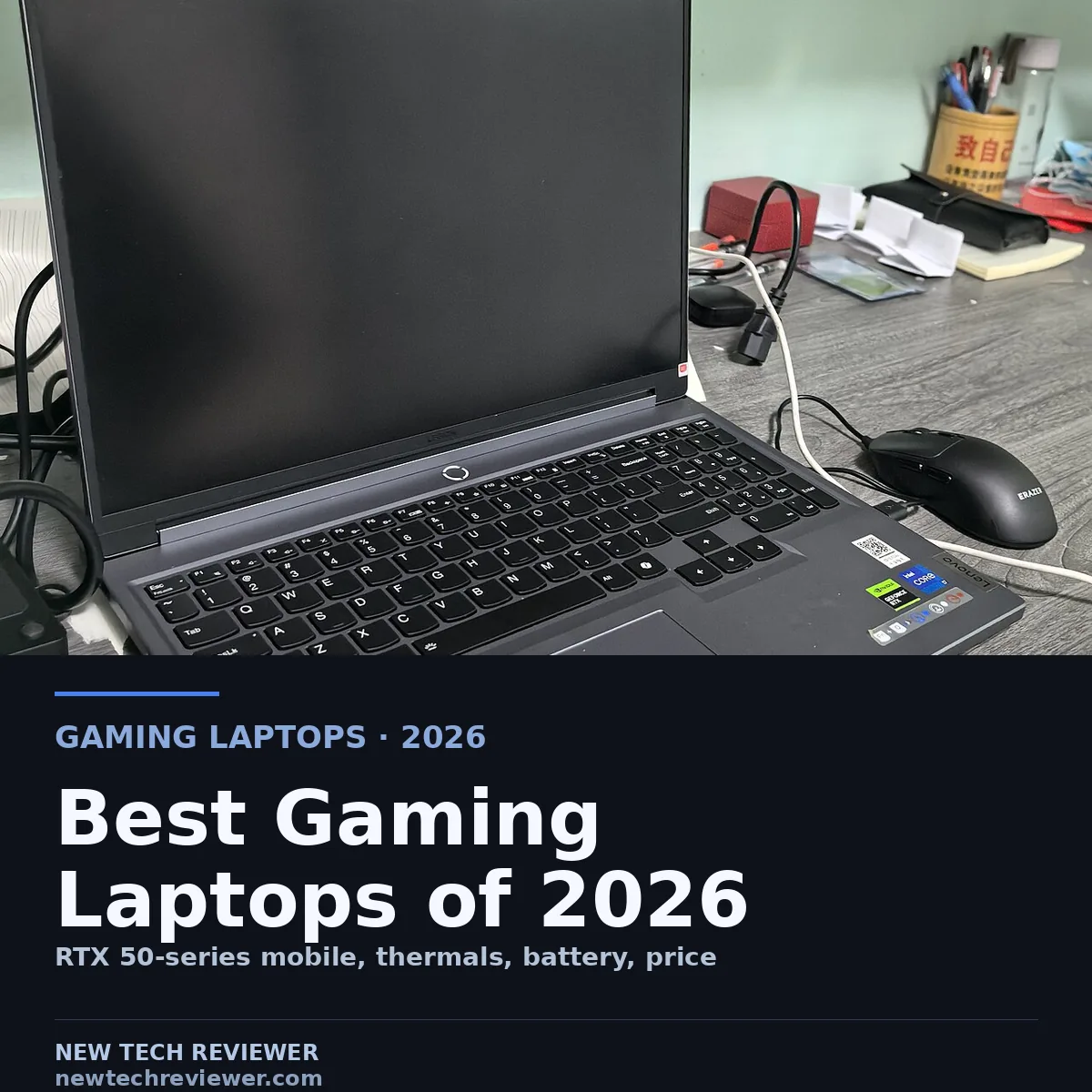
Buying a gaming laptop in 2026 comes down to one decision, which Nvidia RTX 50-series graphics chip you will live with, because the GPU is soldered to the board.
The catch is that a laptop GPU is not the desktop chip of the same name. A community benchmark thread comparing the mobile RTX 5080 with the desktop part had the laptop card running on average about 32 per cent behind the desktop version.[4][5] PCMag's testing finds the same gap from the other side: Blackwell laptop GPUs are not 1 to 1 performers with their desktop counterparts, and the same silicon can differ widely between laptops depending on the wattage allocated.[1]
What the GPU tier actually buys you
The second spec to check is TGP, the power budget in watts the laptop gives the GPU. A 175W 5090 beats a 150W 5090, and the difference shows up in sustained gaming. The thread lists the power draw of popular 5080 and 5090 machines, and the spread between laptops can reach tens of watts.[4] When two laptops carry the same GPU name, the one with the higher wattage is the one to buy.
The display and memory trade-offs
Three panel types cover most of the market. Mini-LED delivers high peak brightness and very good contrast, but bright text on a dark background can halo, the effect reviewers call blooming. OLED gives perfect blacks and instant response, and the 2026 Asus ROG Zephyrus G14 ships a brighter OLED panel, at the small cost of a long-term burn-in risk.[3] Plain IPS is the cheaper option, with lower peak brightness.
On memory, 16GB is the minimum worth considering and 32GB is the sensible spec for anyone running games, a full browser, and something else demanding at once. The top machines go further, with the Zephyrus G14 configurable to 64GB of LPDDR5x[3] and the MSI Titan 18 HX AI reviewed with 64GB on board.[2]
The six picks
| Laptop | GPU tier | Form factor | Best for | Source |
|---|---|---|---|---|
| MSI Katana 15 HX | RTX 50-series entry | 15-inch, budget | 60 fps at full HD, value anchor | PCMag 2026 |
| Asus ROG Zephyrus G14 | Up to RTX 5080 | 14-inch, thin-and-light | OLED panel, up to 64 GB LPDDR5x | Ultrabook Review 2026 |
| Gigabyte Aorus Master 16 | RTX 5080 | 16-inch, performance | Frames per dollar at 5080 tier | Tom's Hardware 2026 |
| MSI Raider 18 HX AI | RTX 5080 | 18-inch, desktop replacement | Top-tier benchmarks, mini-LED | PCMag 2026 |
| Lenovo Legion Pro 7i Gen 10 | RTX 5080 | 16-inch, balanced | Strong sustained performance | Tom's Hardware 2026 |
| Razer Blade 16 (2026) | RTX 5090 mobile | 16-inch, premium thin | Top-tier GPU in a thin chassis | PCMag 2026 |
The MSI Katana 15 HX is PCMag's top basic gaming laptop and the value anchor of this list. The configuration PCMag tested pairs an entry RTX 50-series GPU with DLSS 4 and holds 60fps at full HD, with a middling display and a 512GB drive as the price concessions.[1]
The Asus ROG Zephyrus G14 is the best 14-inch thin-and-light in Ultrabook Review's 2026 guide, pairing a Ryzen AI 9 or Core Ultra 9 processor with up to an RTX 5080, up to 64GB of LPDDR5x, and the brighter OLED panel in the compact chassis.[3]
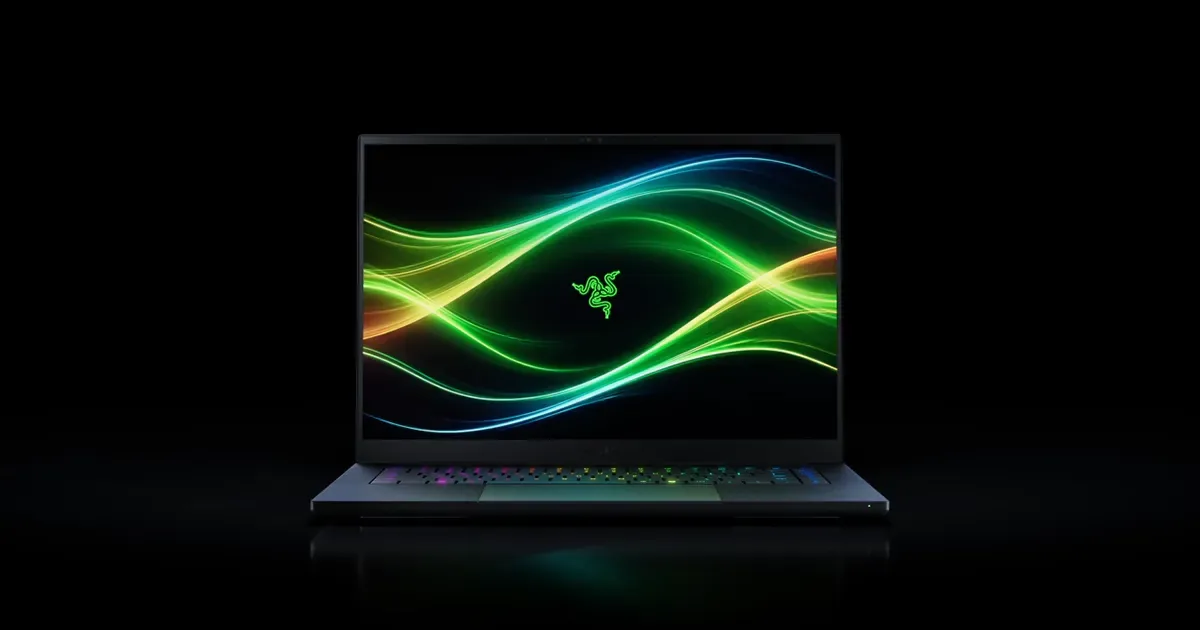
The Gigabyte Aorus Master 16 is Tom's Hardware's strong performance option at the 5080 tier, with a bright display and a Core Ultra 9 275HX keeping the RTX 5080 well fed. The catch is the build, which does not feel as premium as the price tag, so it suits a buyer who optimises for frames per dollar.[2]
The MSI Raider 18 HX AI is the raw-performance 5080 machine. PCMag's test unit packs a Core Ultra 9 285HX, 64GB of memory, and an RTX 5080, and it posted top-tier benchmark results on a sharp mini-LED screen. The trade-offs are size, noise, and price. The benchmark thread puts the 5080 in this class at roughly 260W TDP.[1][4]
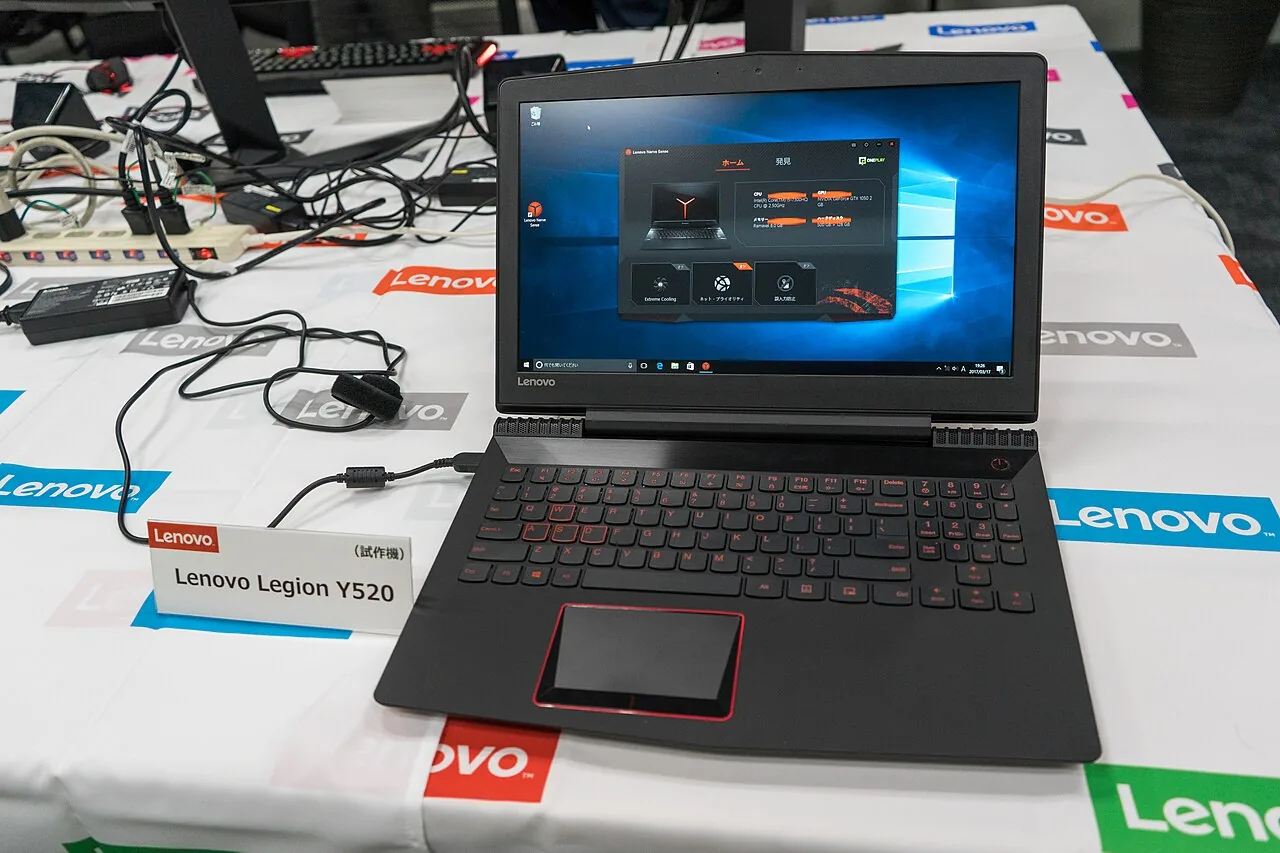
The Lenovo Legion Pro 7i is the display-focused pick of the group, an OLED-equipped 16-inch with strong sustained performance that Ultrabook Review lists alongside the Asus ROG Strix Scar 16 in the same tier.[3] Pricing varies by retailer and region.
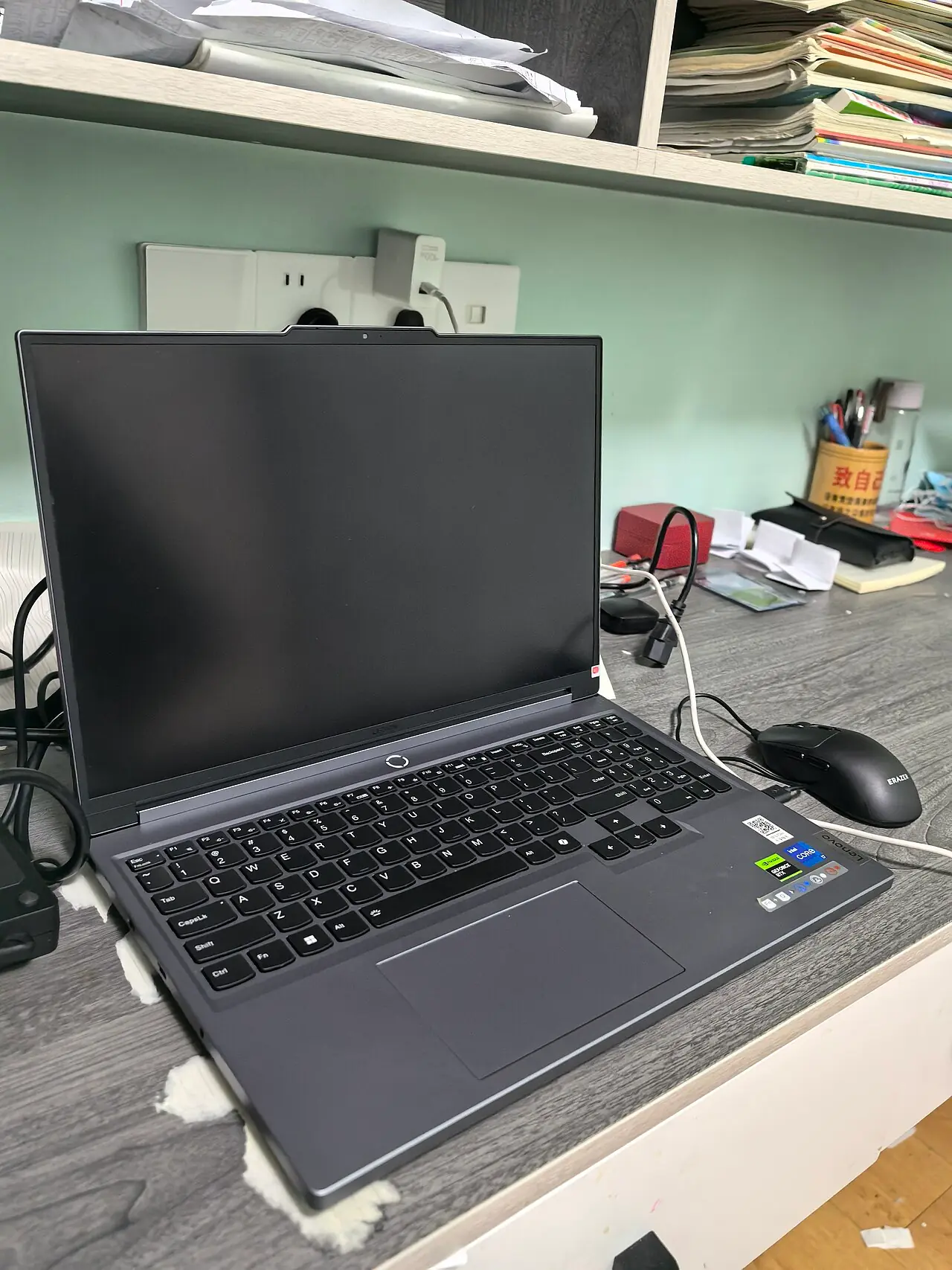
The MSI Titan 18 HX AI is the no-holds-barred option. Tom's Hardware's review unit cost $6,379 as configured, with an RTX 5090, 64GB of RAM, and three SSDs, one of them on PCIe Gen 5.[2] The 5090 mobile runs at 175W per the benchmark thread, next to a Core Ultra 9 285HX, on an 18-inch mini-LED display.[4]
Which one to buy
Match the pick to the budget, not to the brand. The value buyer at the RTX 50-series entry starts with the Katana 15 HX. The person who carries the laptop daily takes the Zephyrus G14. Maximum 5080 performance goes to the Raider 18 HX AI or the Aorus Master 16, the Raider feeding the GPU more watts, the Aorus trading build for price. The best display in the group is the Legion Pro 7i's OLED, and if the budget is not a real constraint, the Titan 18 HX AI with its 5090 is the whole point of the category.[2] Pricing varies by retailer and region on all of these, and the tier you pick on day one is the tier you keep.
Frequently asked questions
Is a laptop RTX 5080 much slower than the desktop RTX 5080?
Yes, by a meaningful margin. One benchmark thread had the mobile 5080 running on average about 32 per cent behind the desktop part, and PCMag's testing confirms laptop 50-series GPUs are not 1 to 1 with their desktop namesakes.[1][4] The exact gap depends on the laptop's wattage.
Does the laptop brand matter as much as the GPU?
Less than most buyers think. A 5080 in a lesser-known chassis outperforms a 5060 in a flagship one, and within the same tier the TGP matters more than the logo. The brand decides build quality, display options, and price, but not the frame rate.[1]
How much RAM should a gaming laptop have in 2026?
Sixteen gigabytes is the minimum worth considering, and 32GB is the sensible spec for heavy use. The top picks go further, with the Zephyrus G14 configurable to 64GB of LPDDR5x and the Titan 18 HX AI reviewed with 64GB on board.[2][3]
Can I upgrade the graphics card in a gaming laptop later?
No. The GPU is soldered into the board, and the only route to a faster tier is a new machine. That is why the buying logic above puts the GPU tier first: choose the tier you will still want in two years.
Which display should I pick, mini-LED, OLED, or IPS?
Mini-LED for brightness and contrast, with blooming as the caveat. OLED for perfect blacks, with a small long-term burn-in risk. IPS for price, with lower peak brightness. Dark, cinematic games favour OLED or mini-LED, while a laptop that spends most of its life next to a desk monitor is fine on IPS.[1][3]
References
- PCMag: The Best Gaming Laptops for 2026 (updated 16 June 2026)
- Tom's Hardware: Best Gaming Laptops 2026
- Ultrabook Review: Best gaming ultrabook (thin-and-light gaming laptop) in 2026
- Reddit (r/SuggestALaptop): the best RTX 5080 laptop regardless of brand (32 per cent desktop versus mobile gap, per-model TDP)
- TechPowerUp: MSI GeForce RTX 5080 Vanguard SOC Review, Relative Performance



Loading comments…