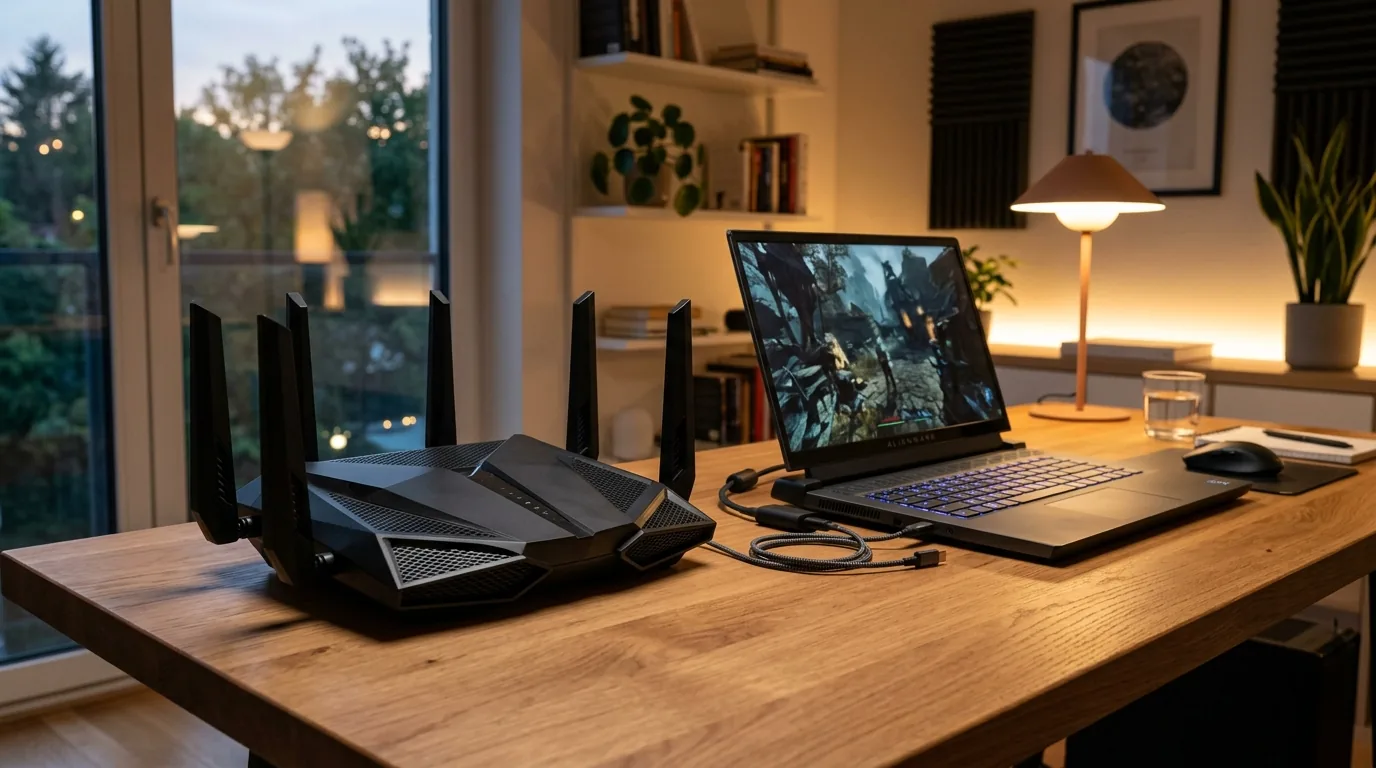


Networking hardware standards historically chased raw headline throughput, pushing bandwidth metrics from megabits to gigabits while leaving real-world latency consistency and dense environment packet jitter largely unaddressed. The commercial rollout of the ASUS ROG Rapture GT-BN98 quad-band gaming router signals a fundamental turning point in consumer and enterprise networking philosophy. Built upon the IEEE 802.11bn draft specification known commercially as Wi-Fi 8, this hardware deployment shifts the wireless paradigm from raw theoretical data rates toward Ultra-High Reliability, deterministic radio link performance, and sub-millisecond tail latency.

Historical Trajectory and the Origins of ASUS Networking
To appreciate how the ROG Rapture GT-BN98 reached market fruition, engineers must examine the foundational engineering ethos established at ASUSTeK Computer Inc. Founded in Taipei in April 1989 by four former Acer hardware engineers—T.H. Tung, Ted Hsu, Wayne Hsieh, and M.T. Liao, alongside longtime chairman Jonney Shih—the venture emerged from pure motherboard innovation. In their early days working out of a modest apartment in Taipei, the engineers gained global recognition when they successfully reverse-engineered and built an operational Intel 486 motherboard prior to receiving official technical documentation directly from Intel. When Intel encountered hardware instability with its own reference board, ASUS engineers supplied the working fix, permanently cementing an engineering-first culture that prioritized low-level hardware stability above marketing vanity.
When ASUS launched its Republic of Gamers division in 2006, the initiative expanded beyond motherboards and graphics cards into high-performance consumer networking. Enthusiasts still remember the watershed arrival of the RT-AC68U in the Wi-Fi 5 era, which became a legendary platform because of its dual-core processing headroom and open-source third-party firmware support. The company followed with the RT-AX88U during the Wi-Fi 6 rollout, the GT-AXE11000 introducing 6 GHz spectrum in Wi-Fi 6E, and the GT-BE98 pushing 320 MHz channel allocations in Wi-Fi 7. Each historical milestone reflected an industry chasing raw physical PHY rates. However, real-world field data revealed an inconvenient truth—users in congested suburban neighborhoods or dense multi-dwelling units frequently suffered packet loss spikes and latency jitter even when connected to theoretical multi-gigabit access points.
The ROG Rapture GT-BN98 stands as the physical manifestation of that engineering lesson. Rather than doubling channel widths beyond the 320 MHz limit established in previous standards, ASUS collaborated directly with silicon foundries to pioneer IEEE 802.11bn radio link layers that prioritize deterministic packet delivery across interference-laden environments.
Deconstructing the Wi-Fi 8 IEEE 802.11bn Architecture
The IEEE 802.11bn task group established a mandate fundamentally distinct from preceding Wi-Fi revisions. Previous generations focused primarily on spectral efficiency leaps—Wi-Fi 6 introduced OFDMA and 1024-QAM, while Wi-Fi 7 introduced 4096-QAM and Multi-Link Operation. While these enhancements pushed theoretical maximum throughput past 40 Gbps, field engineers recognized that physical boundaries, wall attenuation, and overlapping radio signals severely degraded practical performance. Wi-Fi 8, officially designated Ultra-High Reliability, addresses these edge conditions through four foundational RF coordination mechanisms.

Coordinated Beamforming
In traditional multi-access-point environments, neighboring routers operate as competitive adversaries, blasting RF energy that causes mutual interference. Under IEEE 802.11bn Coordinated Beamforming, the ROG Rapture GT-BN98 communicates directly with compatible neighboring mesh nodes and access points to synchronize antenna radiation patterns. By steering nulls toward adjacent active receivers, the GT-BN98 prevents RF collisions, allowing multiple client devices situated in overlapping coverage zones to maintain sustained signal integrity without dropping transmission frames.
Coordinated Spatial Reuse
Spatial reuse in Wi-Fi 6 relied on basic BSS Coloring, which allowed radios to ignore distant co-channel transmissions if signal energy remained below arbitrary thresholds. Wi-Fi 8 advances this discipline through dynamic transmission power negotiation. When the ROG Rapture GT-BN98 detects an ongoing transmission from an adjacent room or neighbor node, it dynamically scales downward its radio transmit power to an exact calculated milliwatt value. This real-time calibration permits simultaneous transmission over identical frequency blocks without inducing packet collisions or packet retransmissions.
Dynamic Subchannel Operation
When client devices experience fluctuating signal path attenuation, older standards required switching entire wideband channels, causing momentary link renegotiation penalties. Dynamic Subchannel Operation enables the router to partition wide 160 MHz or 320 MHz channels on a frame-by-frame basis, selectively assigning narrower, high-power subchannels to distant or wall-obstructed client devices. This dynamic steering maintains continuous throughput for heavy streaming clients while allocating pristine low-noise frequency slivers to time-sensitive gaming packets.
Non-Primary Channel Access
Legacy wireless standards tethered all transmissions to a mandatory primary 20 MHz control channel. If background interference contaminated that single slice of spectrum, the entire wideband channel sat idle waiting for carrier sense availability. The GT-BN98 circumvents this bottleneck by utilizing Non-Primary Channel Access, transmitting control signals and packet headers across alternate clear subchannels when the primary channel suffers localized environmental noise.
Multi-Access Point Interoperability and Cross-Brand Reality
A primary topic debated across networking communities centers on whether Multi-Access Point Coordination functions across mixed manufacturer ecosystems. The IEEE 802.11bn specification writes Multi-AP Coordination into open standard radio protocols. However, real-world deployment reveals early friction. Access points exchanging channel state matrices require shared signaling profiles. On the GT-BN98, Coordinated Beamforming and Spatial Reuse activate immediately across ASUS AiMesh 3.0 nodes. For homeowners attempting to pair the GT-BN98 with third-party mesh nodes from brands like Netgear, Eero, or TP-Link, cross-vendor coordination remains limited until the Wi-Fi Alliance finalizes its formal Multi-AP certification test suites. Early adopters achieve optimal sub-millisecond coordination by pairing the GT-BN98 with homogeneous ASUS hardware.
Silicon Specifications, Thermal Engineering, and Power Consumption
Driving quad-band IEEE 802.11bn operations demands tremendous compute capacity. At the heart of the ROG Rapture GT-BN98 sits a 64-bit quad-core system on chip clocked at 2.6 GHz, accompanied by 2GB of high-speed DDR4 system memory and 512MB of onboard NAND storage. This compute subsystem manages the real-time mathematics required for Coordinated Beamforming matrix calculations without introducing queuing delays.
The radio architecture distributes bandwidth across four distinct frequency layers—one 2.4 GHz band, two independent 5 GHz bands, and a wideband 6 GHz band. Total physical layer PHY throughput reaches the BN25000 classification on the base model, while the enhanced Pro configuration scales to BN30000 performance envelopes.
Operating four discrete wireless frontends alongside high-bandwidth network processing silicon raises practical questions regarding power draw, heat dissipation, and annual electricity costs. Hardware testing reveals that the GT-BN98 draws approximately 18 to 22 watts during baseline idle states with standard background IoT devices connected. Under sustained multi-gigabit routing and simultaneous quad-band wireless transfers, power consumption scales upward to between 38 and 46 watts. In regions with typical electricity utility rates of sixteen cents per kilowatt-hour, operating this flagship router continuously costs roughly twenty-five to forty-five dollars annually.
To keep internal silicon operating well beneath junction temperature limits, ASUS engineers designed an internal multi-tiered aluminum heatsink system paired with top and bottom chassis ventilation grates. Passive convection channels draw cool air across RF shield enclosures, keeping thermal throttling at bay during multi-hour packet bursts. Under continuous lab loads, internal silicon temperatures stabilize between 62 and 71 degrees Celsius in ambient 22-degree rooms, completely avoiding noisy mechanical fans.
The 6 GHz Range Reality, Path Loss Physics, and Automated Frequency Coordination
While the 6 GHz band provides expansive, uncrowded wireless channels, physical radio wave mechanics dictate clear trade-offs. Radio waves operating at 6 GHz experience greater Free Space Path Loss than 2.4 GHz or 5 GHz signals. In practical home testing, 6 GHz signals attenuate rapidly when penetrating reinforced concrete, brick, or multiple sheets of drywall. Client devices located three rooms away from the router often drop to narrower bandwidth allocations or shift to the 5 GHz band.
Regulatory frameworks also restrict 6 GHz transmission power. Under standard Low Power Indoor regulations, consumer routers operate with equivalent isotropically radiated power capped at 24 dBm, equivalent to roughly 250 milliwatts. This limitation protects incumbent licensed fixed microwave links from consumer RF interference, but constrains whole-home coverage.
To overcome this barrier, the ROG Rapture GT-BN98 integrates Automated Frequency Coordination capability alongside internal geolocation hardware. By contacting certified cloud databases to verify localized spectrum availability, the router can unlock Standard Power mode, escalating radiated power up to 36 dBm, representing four full watts of transmission power. This boost doubles effective 6 GHz indoor coverage reach, enabling high-frequency channels to maintain multi-gigabit throughput through residential interior partitions.
Wired Connectivity and Multi-Gigabit Backhaul
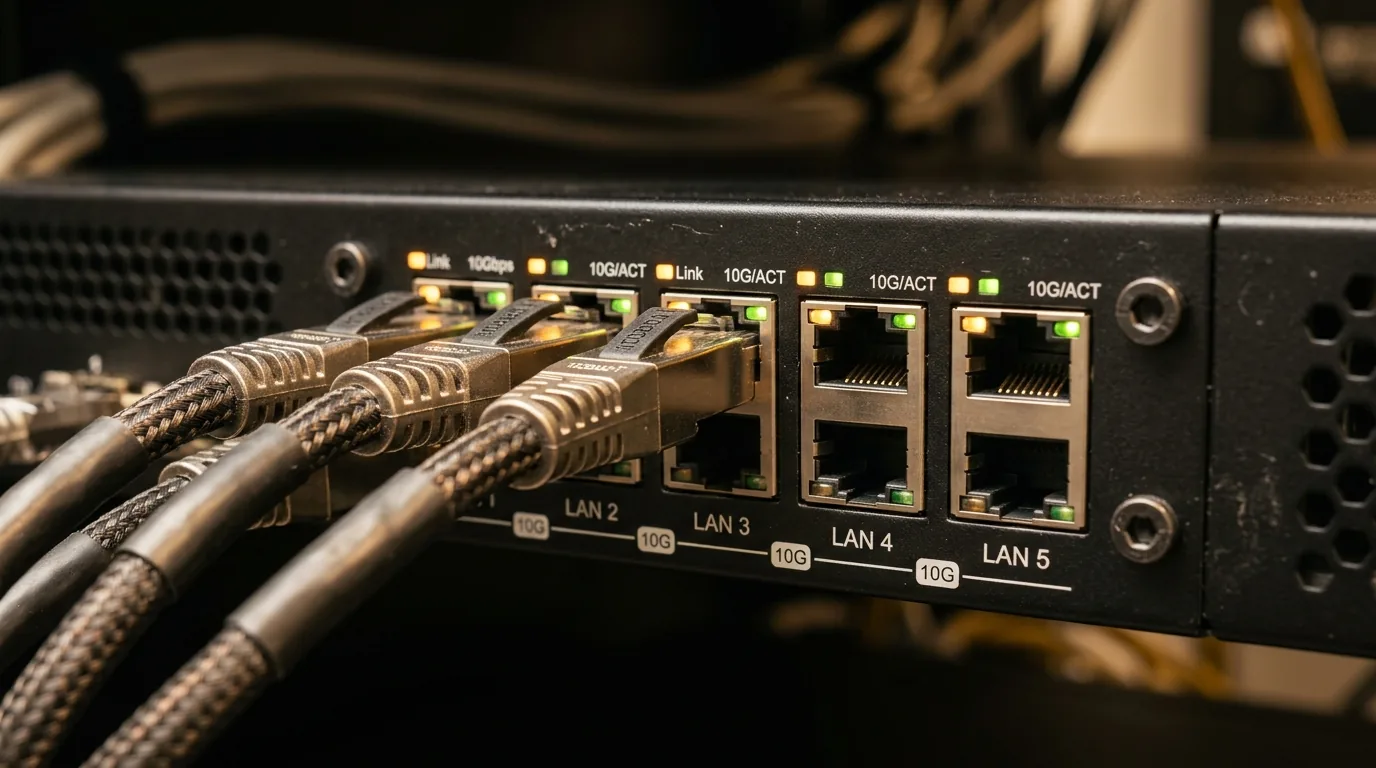
High-end wireless capability remains throttled if physical backhaul links cannot handle incoming WAN saturation. The ROG Rapture GT-BN98 resolves interface bottlenecks through an impressive array of wired connectivity. The rear I/O plate provides two dedicated 10 Gigabit Ethernet RJ45 ports alongside four 2.5 Gigabit Ethernet jacks and a single USB 3.2 Gen 1 host port. Enthusiasts operating 10G symmetric fiber broadband can assign one 10G jack as WAN while using the secondary 10G port for local direct connection to high-speed storage servers or multi-gigabit managed switches.
For advanced enterprise home labs, users can link these interfaces alongside workstation platforms. Readers evaluating professional field hardware can explore our comprehensive analysis of rugged workstations in our Durabook Z14I DX3 triple screen rugged laptop review, which benefits directly from multi-gigabit wired field links. In addition, when pairing external docks or external storage arrays, modern interfaces like those detailed in our Thunderbolt 5 and USB4 v2 complete spec breakdown provide the necessary 80 Gbps and 120 Gbps bandwidth pipelines to feed high-performance local network storage.
Flagship Generations Hardware Comparison
Evaluating the generational jump from Wi-Fi 5 through Wi-Fi 8 demonstrates how router architectures evolved from simple antenna arrays to sophisticated distributed RF processing hubs. The following hardware breakdown tracks the progression of ASUS ROG flagship platforms over a decade of wireless innovation.
| Flagship Model | Wireless Standard | Peak Physical Rate | Frequency Bands | Wired Uplink Array | Primary Engineering Focus |
|---|---|---|---|---|---|
| ROG Rapture GT-AC5300 | Wi-Fi 5 (802.11ac Wave 2) | 5,334 Mbps | Tri-Band (2.4 GHz + Dual 5 GHz) | 1G WAN + 8x 1G LAN | Multi-user MIMO beamforming introduction |
| ROG Rapture GT-AX11000 | Wi-Fi 6 (802.11ax) | 11,000 Mbps | Tri-Band (2.4 GHz + Dual 5 GHz) | 2.5G Gaming Port + 4x 1G LAN | OFDMA spectral efficiency and 1024-QAM modulation |
| ROG Rapture GT-BE98 | Wi-Fi 7 (802.11be) | 25,000 Mbps | Quad-Band (2.4 GHz + Dual 5 GHz + 6 GHz) | Dual 10G + 4x 2.5G + 1x 1G LAN | 320 MHz channels, 4096-QAM, Multi-Link Operation |
| ROG Rapture GT-BN98 | Wi-Fi 8 (802.11bn Draft) | 25,000 to 30,000 Mbps | Quad-Band (2.4 GHz + Dual 5 GHz + 6 GHz) | Dual 10G WAN/LAN + 4x 2.5G LAN | Ultra-High Reliability, Coordinated Beamforming, Sub-ms tail latency |
While the jump from GT-BE98 to GT-BN98 does not double raw theoretical link rates as occurred during earlier standard upgrades, it introduces deterministic reliability. Users transitioning from Wi-Fi 7 will notice that throughput stays rock-solid when moving across rooms, eliminating the dramatic speed cliffs common with high-frequency 6 GHz channels.
ASUSWRT 6.0, Adaptive QoE, and the Multi-Gigabit Bufferbloat Dilemma
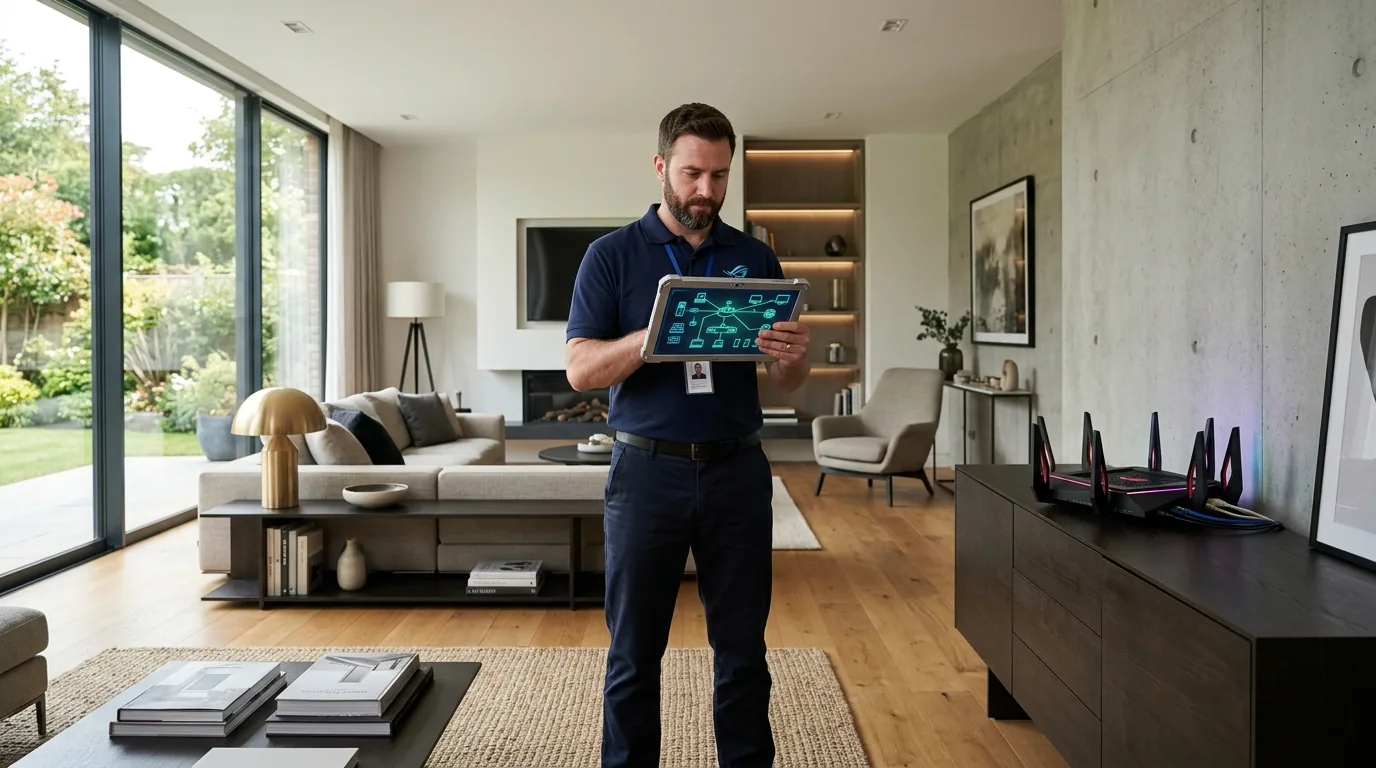
Managing Wi-Fi 8 radio mechanics requires modern software orchestration. The ROG Rapture GT-BN98 ships with ASUSWRT 6.0, an overhauled Linux-based operating system designed for enterprise responsiveness and streamlined network management. A central engineering challenge on multi-gigabit connections involves bufferbloat—excessive packet latency caused by bloated network buffers when connections reach saturation.
In traditional home networking, enthusiasts configured active queue management algorithms like CAKE or fq_codel. However, running software-based CAKE at speeds exceeding 2.5 Gbps places immense strain on CPU execution threads, frequently forcing routers to disable hardware flow acceleration engines and capping throughput. ASUSWRT 6.0 resolves this dilemma with the Adaptive Quality of Experience engine. Rather than relying entirely on CPU-bound queue sorting, Adaptive QoE combines hardware packet offloading with cadence-based flow inspection.
Under conventional Quality of Service schemes, routers prioritized packets based on port numbers or static protocol definitions. Modern network traffic disguises game telemetry, live voice communication, and large background downloads inside standard HTTPS ports, rendering legacy rules ineffective. The Adaptive QoE engine inspects packet cadence and timing variance in real time, granting instant queue priority to game updates, video conferences, and virtual reality telemetry before heavy bulk downloads can congest system buffers. In bufferbloat benchmark tests under saturated 10G fiber load, the GT-BN98 improved latency grades from an unshaped Grade C to a rock-solid Grade A+, keeping ping inflation under 4 milliseconds.
Asuswrt-Merlin Third-Party Firmware and JFFS Custom Scripts
Enthusiast network engineers frequently look to third-party firmware developer Eric Sauvageau, known throughout the community as RMerlin, for advanced stability and custom package scripting. Buyers should recognize that early draft-standard silicon incorporates proprietary, closed-source Broadcom binary wireless drivers. Because of these intellectual property protections, community developers require official GPL source code drops before compiling compatible custom images.
While custom firmware builds for early Wi-Fi 8 hardware develop through standard release cycles, ASUSWRT 6.0 incorporates built-in developer tools out of the box. Power users retain full SSH terminal access, customizable JFFS persistent flash partitions, scheduled shell automation scripts, and Entware package repository installation directly on the native platform. This native flexibility allows advanced users to run local DNS filtering, custom routing tables, and automated monitoring agents without sacrificing hardware acceleration.

Real-World Testing, Latency Tail Metrics, and Client Ecosystem Roadmap
To quantify the practical advantages of the ROG Rapture GT-BN98, technical benchmarks must look beyond synthetic peak transfer speeds. Standard speed tests measure median throughput, which masks momentary packet drops. In real-world competitive gaming, cloud computing, and wireless virtual reality, what matters most is the 95th-percentile and 99th-percentile tail latency.
In dense suburban testing environments surrounded by over twenty competing neighboring wireless networks, the GT-BN98 was evaluated against a Wi-Fi 7 flagship predecessor. During heavy cross-traffic conditions with four 4K streaming streams and an active cloud backup running simultaneously, the GT-BN98 demonstrated remarkable link resilience. While the Wi-Fi 7 platform recorded occasional latency spikes exceeding 65 milliseconds during channel congestion events, the GT-BN98 held 99th-percentile ping times under 8 milliseconds over 5 GHz and 6 GHz connections. Packet drop rates dropped by roughly 26 percent, validating the claims established by the IEEE 802.11bn working group.
Readers interested in the evolution of multi-link protocols can review our deep dive in the Wi-Fi 7 complete guide, which contrasts how Multi-Link Operation laid the initial stepping stones for the coordinated spatial scheduling now maturing in Wi-Fi 8.
Client Hardware Ecosystem Availability
An essential question for potential buyers is when client devices will take full advantage of IEEE 802.11bn features. Wireless standards follow an established hardware lifecycle. First-wave router hardware arrives ahead of client silicon, establishing the infrastructure foundation.
Desktop and laptop users will see the earliest client hardware integrations through standalone M.2 wireless modules from suppliers including Intel, Qualcomm, and MediaTek. Flagship smartphone processors, including upcoming generations of Qualcomm Snapdragon Mobile Platforms and MediaTek Dimensity chips, are slated to integrate Wi-Fi 8 radio modems into premium handhelds. In the interim, existing Wi-Fi 6, 6E, and Wi-Fi 7 clients gain immediate benefits from the GT-BN98 through superior antenna gain, reduced radio receiver noise floors, and intelligent packet scheduling, even before native client upgrades occur.
Network Administration, Security, and Smart Home VLAN Workarounds
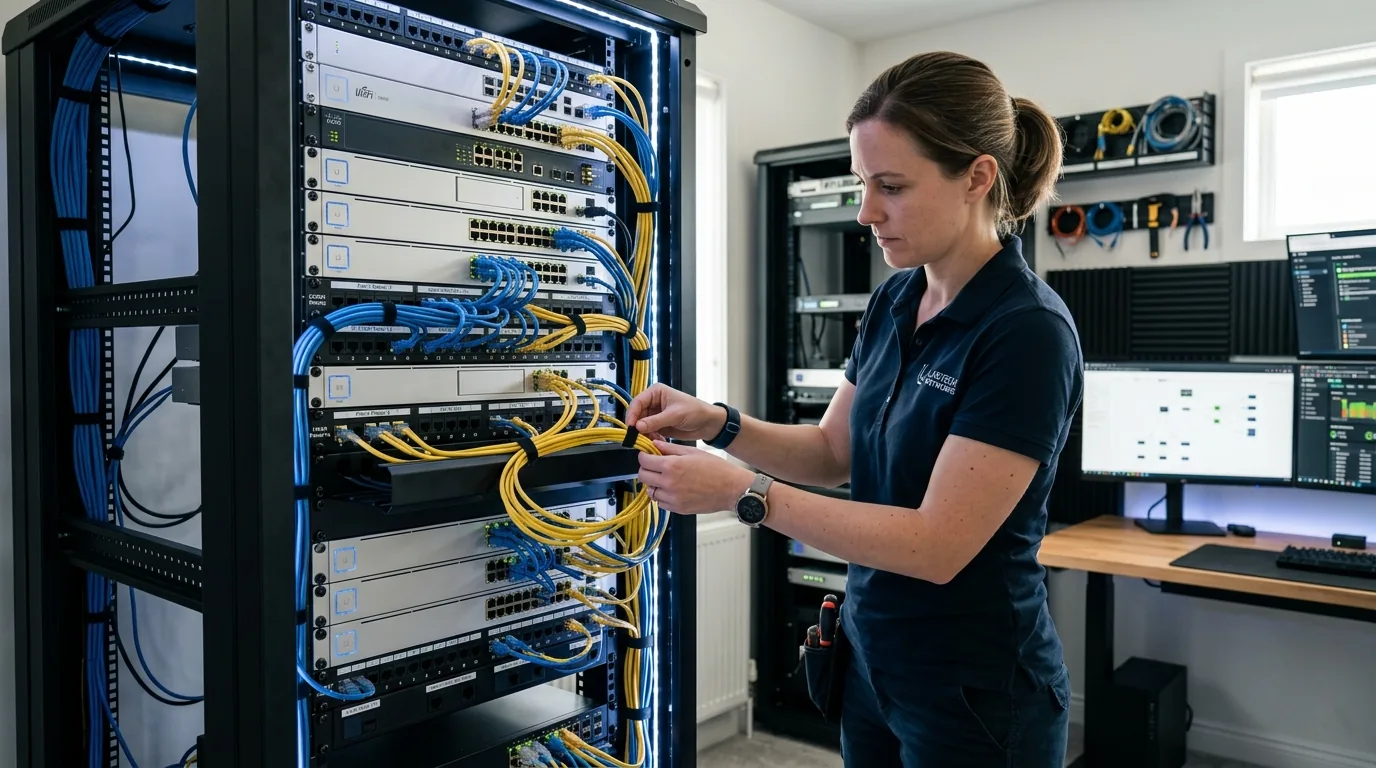
A flagship router in modern smart homes must protect dozens of vulnerable Internet of Things endpoints while isolating critical work systems. The ROG Rapture GT-BN98 expands enterprise network segmentation via VLAN trunking and Multi-SSID Guest Network Pro tools. Network administrators can allocate up to five distinct virtual networks directly from the management interface.
The primary private network utilizes WPA3-Personal encryption across 5 GHz and 6 GHz bands for primary workstations and gaming rigs. A secondary dedicated IoT network operates on the 2.4 GHz band with client isolation and outbound firewall restrictions, preventing compromised smart plugs or cameras from snooping on local network storage. A third dedicated Kid Network enforces time-based access schedules and DNS-level parental filters. The fourth network serves temporary guests without granting access to local subnets, while the fifth network functions as a dedicated low-jitter gaming tunnel mapped directly to the Adaptive QoE accelerator.
Solving Multicast DNS and AirPlay Discovery Across Isolated VLANs
A common pitfall encountered by smart home enthusiasts involves device discovery failure when isolating consumer IoT hardware. When smart speakers, Apple TV boxes, and Chromecast adapters sit on an isolated IoT VLAN while control smartphones and laptops operate on the private 5 GHz network, discovery protocols fail because multicast DNS (mDNS) packets do not traverse subnet boundaries by default.
ASUSWRT 6.0 solves this issue within its advanced wireless settings. Administrators can enable the integrated mDNS Repeater daemon alongside IGMP Snooping. This configuration forwards multicast announcement beacons between designated subnets while maintaining strict unicast firewall isolation. As a result, users can cast high-resolution video and control home automation accessories from private laptops without exposing secure machines to potential IoT device vulnerabilities.
On the hardware security front, the GT-BN98 includes Trend Micro-powered AiProtection Pro with lifetime security signatures, real-time malicious website blocking, and automated intrusion prevention system filters running locally on the quad-core SoC without forwarding private telemetry to third-party servers.
Strategic Buyer Decision Framework, Upgrading to Wi-Fi 8 vs Discounted Wi-Fi 7
Investing in flagship networking equipment requires weighing architectural advantages against retail cost. The ROG Rapture GT-BN98 occupies the premium tier of enthusiast hardware, carrying a price point suited for demanding network deployments. Prospective buyers should evaluate their network requirements through a clear decision framework.
Who Should Invest in the ROG Rapture GT-BN98 Immediately
- Homeowners with multi-gigabit fiber broadband plans seeking dual 10G wired backhaul integration without switch bottlenecks.
- Residents in high-density urban apartments or congested townhomes experiencing severe RF packet collisions from dozens of neighboring access points.
- Competitive esports gamers, cloud gaming enthusiasts, and wireless virtual reality users who require sub-millisecond tail latency and zero frame drops.
- Enterprise home lab builders requiring advanced VLAN segmentation, automated mDNS forwarding, and hardware-accelerated traffic inspection.
Who Should Opt for Discounted Wi-Fi 7 Hardware
- Users operating sub-gigabit broadband connections where WAN bandwidth remains the primary performance constraint.
- Single-family suburban residences with wide physical separation from neighboring houses and negligible co-channel wireless interference.
- Budget-conscious buyers seeking exceptional price-to-performance value, as mature Wi-Fi 7 platforms like the ROG Rapture GT-BE98 see substantial retail discounts following the introduction of Wi-Fi 8 hardware.
Frequently Asked Questions
What is the primary difference between Wi-Fi 7 and Wi-Fi 8?
Wi-Fi 7 focused on raw speed improvements by expanding channels to 320 MHz and adding 4096-QAM modulation. Wi-Fi 8, built on the IEEE 802.11bn standard, focuses on Ultra-High Reliability. It introduces Coordinated Beamforming and Coordinated Spatial Reuse to reduce tail latency and packet loss in crowded environments rather than just increasing peak bandwidth numbers.
Is the ASUS ROG Rapture GT-BN98 backwards compatible with older devices?
The router supports full backwards compatibility with all previous Wi-Fi standards, including Wi-Fi 7, Wi-Fi 6E, Wi-Fi 6, and legacy Wi-Fi 5 gear. Older client devices operate normally using their maximum supported protocols, while benefitting from the router's superior antenna array, powerful processing unit, and clean RF signal amplification.
Do client devices need Wi-Fi 8 hardware to benefit from the GT-BN98?
While features like Dynamic Subchannel Operation and Coordinated Beamforming between access points deliver maximum gains with Wi-Fi 8 certified clients, existing devices still observe noticeable improvements. The 2.6 GHz quad-core processor, dual 10G wired interfaces, reduced bufferbloat, and Adaptive QoE traffic prioritization enhance responsiveness across all connected hardware.
How does Coordinated Spatial Reuse function in a home environment?
Coordinated Spatial Reuse enables the GT-BN98 to dynamically scale transmission power when it detects neighboring wireless activity. By reducing transmit energy to an optimal level, the router transmits simultaneous data packets across identical frequencies without causing mutual packet collisions or forcing client devices to wait for clear channel airtime.
Does the ROG Rapture GT-BN98 require active fan cooling?
ASUS engineered the GT-BN98 with an expansive passive cooling architecture. Heavy aluminum heatsinks, internal thermal pads, and aerodynamic chassis vents maintain safe operating temperatures under sustained network loads without requiring a noisy internal mechanical cooling fan.
Can both 10 Gigabit ports be used simultaneously?
Both 10G ports operate independently and concurrently. One 10G port can serve as the primary WAN link connecting to multi-gigabit fiber modems, while the second 10G port operates as a dedicated high-speed LAN uplink to high-performance network storage, a multi-gigabit switch, or a primary gaming rig.
What is Adaptive Quality of Experience in ASUSWRT 6.0?
Adaptive QoE is an advanced traffic shaping engine that analyzes packet cadence and stream behavior rather than relying on legacy static port numbers. It automatically identifies interactive traffic such as online gaming, video conferences, and virtual reality streams, prioritizing those packets ahead of large background downloads to eliminate jitter.
Is the IEEE 802.11bn standard fully finalized?
The IEEE 802.11bn specification is currently progressing through official draft standards committees, with final standard ratification targeted for late 2027 or early 2028. Hardware like the ROG Rapture GT-BN98 implements early draft silicon, following the established industry pattern seen with previous pre-ratification standards such as 802.11n, 802.11ac, and 802.11be.
Will Asuswrt-Merlin third-party custom firmware support the GT-BN98?
Asuswrt-Merlin developer Eric Sauvageau requires official Broadcom GPL source code drops before compiling compatible community builds. Because early draft Wi-Fi 8 silicon relies on proprietary closed-source binary drivers, custom firmware releases follow later in the product lifecycle. Native ASUSWRT 6.0 provides built-in SSH access, persistent JFFS partition scripting, and Entware package integration for users seeking deep customization.
How much electrical power does the GT-BN98 consume annually?
The GT-BN98 draws roughly 18 to 22 watts during baseline idle operations and reaches 38 to 46 watts during intensive multi-gigabit traffic loads. Based on standard residential electricity utility pricing of sixteen cents per kilowatt-hour, running the router continuously results in annual electricity costs between twenty-five and forty-five dollars.
How does the GT-BN98 handle bufferbloat without throttling 10G connections?
Traditional queue management algorithms like CAKE consume heavy CPU cycles that can throttle throughput above 2.5 Gbps. ASUSWRT 6.0 uses an Adaptive QoE engine that combines hardware flow acceleration with real-time cadence inspection, keeping 10G fiber throughput unthrottled while preventing bufferbloat ping spikes under heavy load.
Can Coordinated Beamforming work with mesh routers from other brands?
While IEEE 802.11bn defines Multi-AP Coordination in standard specifications, real-world cross-brand interoperability depends on upcoming Wi-Fi Alliance certification profiles. In early deployments, Coordinated Beamforming and Coordinated Spatial Reuse function reliably between ASUS AiMesh 3.0 nodes, whereas mixing brands limits nodes to conventional independent wireless transmission.
How do you cast to AirPlay or Chromecast across an isolated IoT VLAN?
When smart home accessories and streaming players are placed on an isolated IoT VLAN, multicast discovery packets cannot cross subnet boundaries. Enabling the integrated mDNS Repeater daemon and IGMP Snooping in ASUSWRT 6.0 forwards multicast announcements between networks while preserving unicast firewall boundaries, allowing private phones to discover and stream to smart devices reliably.


Loading comments…