I sat down at my workbench on a bright weekend morning with a box full of plastic parts and six small electric motors. For many years, building an artificial intelligence robot was something only wealthy college laboratories or giant corporations could afford. A single robotic arm from an industrial factory often cost twenty thousand dollars or more. That high price kept regular software builders, students, and curious makers away from the physical world. When Hugging Face announced their LeRobot project, they promised to change everything by letting anyone build an intelligent robotic arm for less than one hundred and fifty dollars.
I wanted to see if that promise was true in real life. I spent the past week printing plastic joints on my 3D printer, screwing together tiny metal brackets, connecting ribbon wires to a serial controller board, and training neural network policies on my home computer. What I discovered was one of the most exciting shifts in technology I have ever tested. You no longer need a science degree in mechanical engineering to teach a physical machine how to pick up blocks and sort tools.
From a Failed Teen Chatbot to Physical AI Powerhouse
To understand why LeRobot matters, you have to look at the unusual background of Hugging Face itself. Back in 2016, three French entrepreneurs named Clement Delangue, Julien Chaumond, and Thomas Wolf founded the company in Paris and New York. Their very first product was not a high-tech developer platform. It was a funny chatbot application built for bored teenagers who wanted a digital companion. The chatbot had a smiling face emoji for a logo, which is how the company got its playful name.
That teenage companion app did not make much money. The founders soon realized that building custom chatbots from scratch was difficult because the underlying language tools were clumsy and fragmented. In late 2018, Google researchers published a landmark paper about language models. The Hugging Face founders took that research and open-sourced a clean PyTorch version of the code on GitHub. Almost overnight, thousands of software developers flocked to their repository. The team recognized where their true talent was, shelved the teenage companion app, and turned Hugging Face into the public library for the artificial intelligence world.
Today, millions of builders share models and datasets on the platform every month. In 2024, the company realized that digital text and image generation were reaching data limits. To take the next big step forward, artificial intelligence needed to learn how to touch and manipulate the physical universe. Clement Delangue recruited top roboticists, including Remi Cadene, who previously led self-driving computer vision and humanoid robotics efforts at Tesla. Together, they started LeRobot to do for physical machines what their original code library did for language.

Building the SO-100 Robot Arm and Understanding Its Anatomy
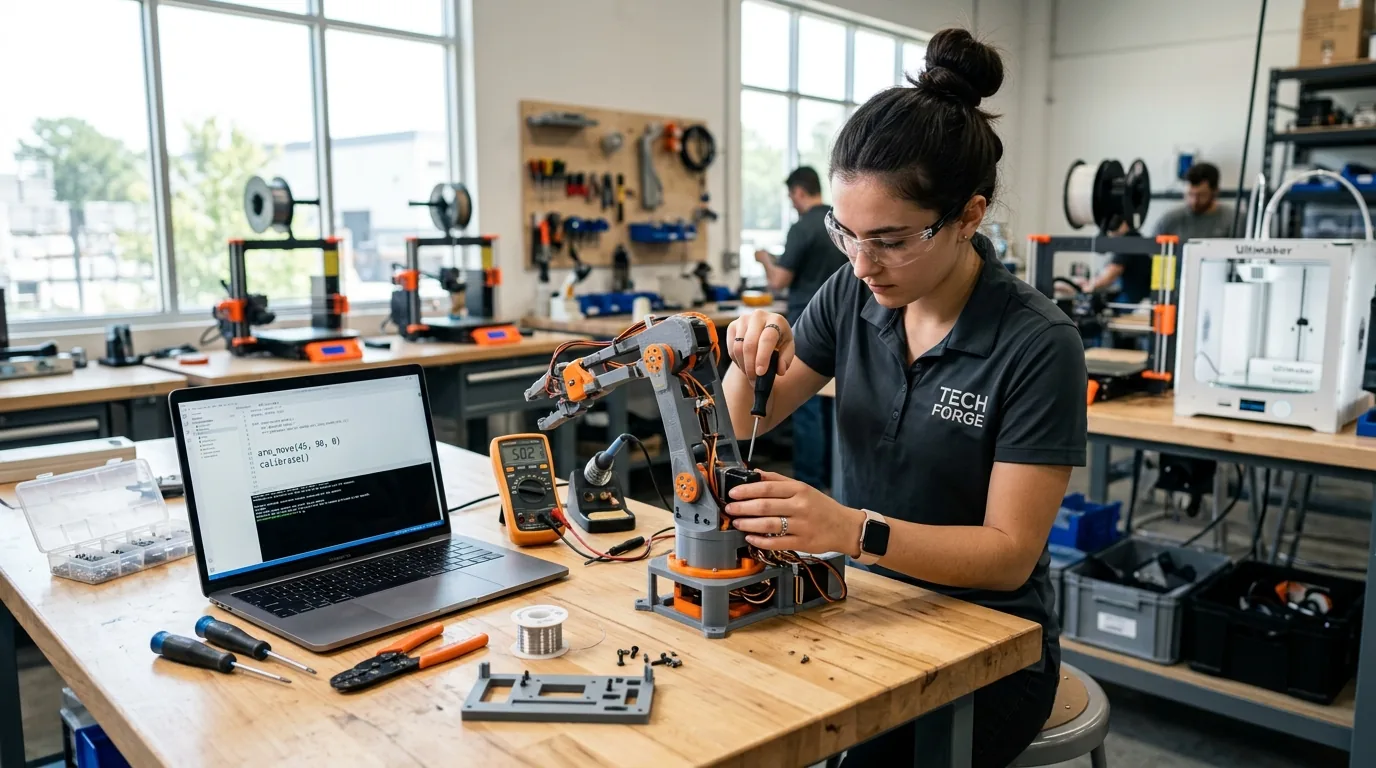
The hardware heart of this project is an open design called the SO-100, which was created by The Robot Studio in close partnership with Hugging Face. The robot is a tabletop arm with six degrees of freedom. That means it can spin at the base, bend forward and backward at the shoulder, adjust its elbow, tilt its wrist up and down, roll its gripper, and pinch its fingers together. Every single structural bracket is designed to be printed on an ordinary desktop 3D printer.
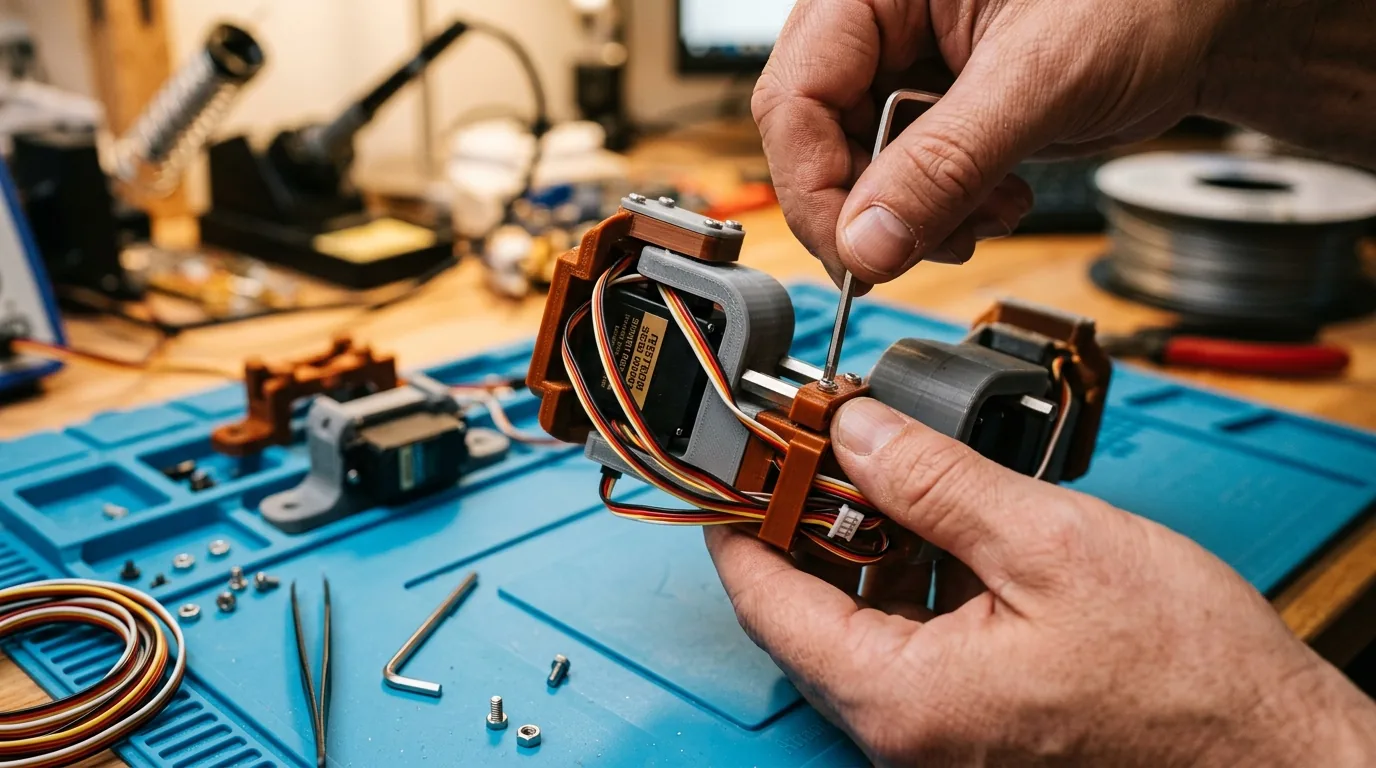
I downloaded the open CAD files and printed all the body parts using standard filament over two days. The plastic pieces took about six hundred and fifty grams of material, which cost around fourteen dollars. Next came the motors. Instead of using expensive commercial motors, the SO-100 uses six Feetech STS3215 serial bus servos. These motors are special because they daisy chain together with single cables rather than requiring dozens of tangled wires running back to a motherboard. Each servo costs roughly fifteen dollars and produces thirty kilogram centimeters of holding power at twelve volts.
To wire the arm, I plugged the motors into a compact Waveshare bus servo adapter board that connects to my laptop with a simple USB cable. I added a twelve volt power adapter and a handful of small hex screws. When I totaled my expenses, the entire physical arm came out to one hundred and thirty-nine dollars. An updated design called the SO-101 has also arrived, which reroutes the internal wiring through hollow joints so cables never catch on the wrist during tight turns.
Solving the Hidden Latency Trap on the Serial Bus
When I first plugged the USB adapter into my computer, I hit an unexpected technical problem that almost made me quit. When I ran the teleoperation command, the arm jerked awkwardly and stuttered as if it were moving through thick syrup. Sometimes the software dropped the connection completely and threw communication timeout errors.
I spent an entire afternoon reading serial driver logs until I discovered the hidden culprit. Most operating systems on personal computers default the USB serial buffer latency timer to sixteen milliseconds. When the computer waits sixteen milliseconds before sending each packet of motor instructions, the communication loop drops to only sixty updates per second. That delay creates terrible jitter when your hand tries to guide the robot.
The fix was remarkably simple once I uncovered it. On my system, I lowered the USB latency timer from sixteen milliseconds down to exactly one millisecond. On Linux systems, you can write the number one directly into the latency timer file for your serial port. On Windows systems, you open Device Manager, select the advanced properties of your serial COM port, and set the latency timer dropdown to one millisecond. The moment I made that single change, communication speed jumped to full capacity at one million bits per second. The robotic arm suddenly moved with silky smooth grace that matched my hand movements without any delay.
Motor Protection and Magnetic Encoder Calibration
Another lesson I learned the hard way involves the Feetech STS3215 servo motors. Each servo contains an internal twelve-bit magnetic encoder that tracks four thousand and ninety-six distinct angular steps. The center position sits at count two thousand and forty-eight. During initial homing, if you manually twist the wrist past three hundred and sixty degrees, the software gets confused because the value wraps around. That triggers an error stating that the joint offset exceeds two thousand and forty-seven. Rotating the joint back toward the middle range before running the calibration routine solves this problem immediately.
A second critical detail is motor current protection. These low-cost bus servos do not have built-in torque sensors. When the robot pinches a hard plastic block, the gripper motor tries to close with all thirty kilograms of force. If you leave the gripper stalled against a solid object during long testing runs, the motor coil can overheat and soften the plastic horn. Inside the LeRobot motor settings, I clamped the maximum torque limit to five hundred and set the protection current to two hundred and fifty milliamperes. This safeguard protects the gripper motor from burning out while still providing plenty of strength to hold everyday items.
Teaching the Machine Through Bilateral Teleoperation and Phones
The most fascinating part of LeRobot is how you teach the machine. Traditional robots required programmers to calculate complex trigonometry and write hundreds of lines of code just to tell the arm where to move. LeRobot uses an approach called imitation learning. You show the robot what to do with your own hands, and the neural network learns by watching you.
To do this, you can build two identical arms. One arm is called the leader, and the other is called the follower. In earlier SO-100 builds, builders had to take apart the leader motors and remove their internal gears so the joints could move freely. In newer SO-101 setups, the software simply reads the motor angles without sending resisting electrical power to the leader. You grab the leader arm by its plastic handle and move it around your desk. As you move the leader, the follower arm mirrors your exact motion in real time.
What if you do not want to spend money building a second arm? Hugging Face added a brilliant feature called PhoneConfig. Instead of a physical leader arm, you can hold your smartphone in your hand. LeRobot uses the gyroscope and accelerometer inside your phone to track your hand rotations in three-dimensional space. Moving and tilting your phone over a local Wi-Fi connection guides the follower arm with surprising accuracy, saving you more than one hundred dollars in hardware costs.
Defeating Camera Exposure Drift and Visual Failures
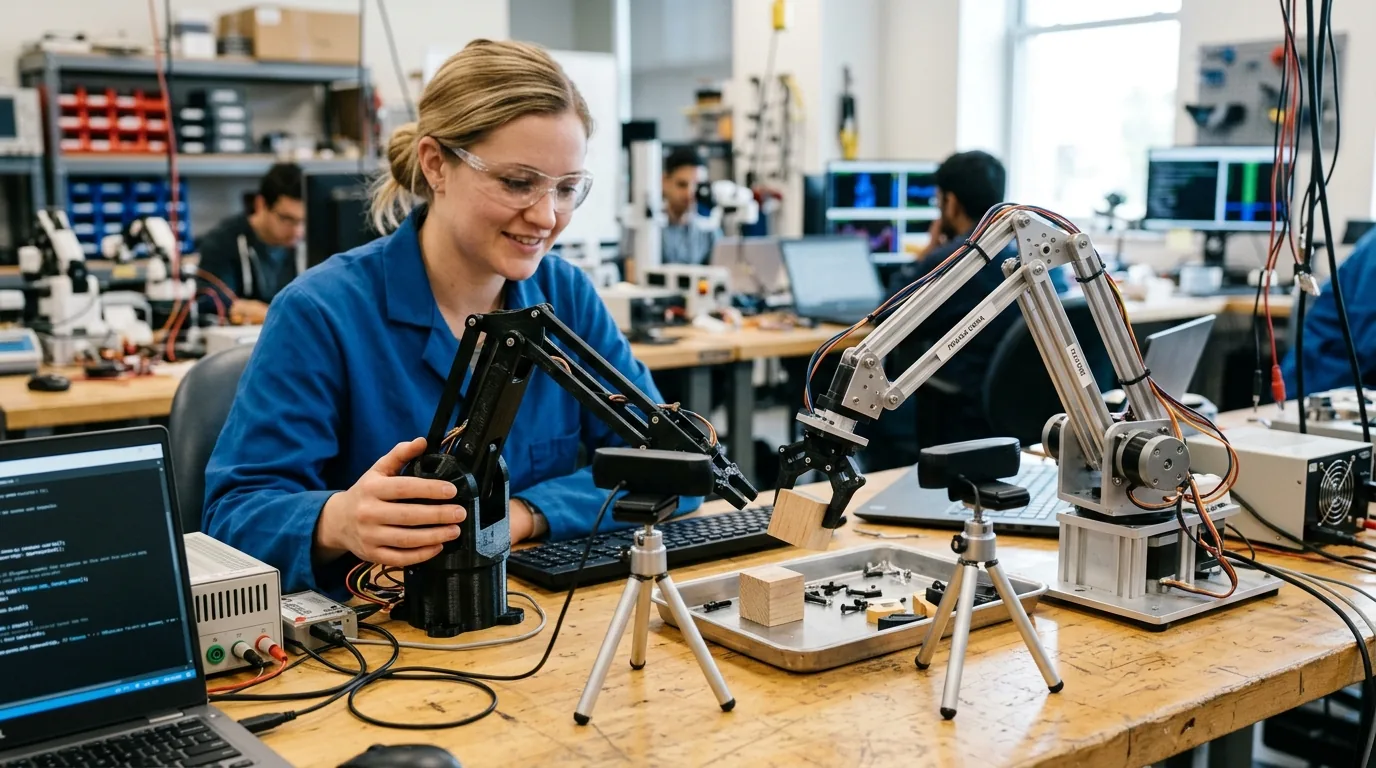
To teach the robot what things look like, I set up two cheap webcams. One camera hung overhead to watch the entire desk, while the second camera looked across the work area from the side. During my first day of training, the robot learned to pick up small blocks with great accuracy. But when I tested the robot the following evening, it failed completely. The gripper missed the block by three inches and pinched empty air.
The robot had not forgotten its training. Instead, the lighting in my room had changed. Most webcams use automatic exposure and automatic white balance. When the sun went down and my desk lamp turned on, the camera automatically boosted brightness and adjusted colors. To an artificial neural network, changing the pixel brightness makes the room look like an entirely different universe. The vision model experienced policy drift and lost track of the target.
To stop policy drift, I locked the camera settings permanently. In the camera setup tools, I turned off automatic exposure and automatic white balance, fixing both values to constant numbers. I also added a five-second camera warmup pause in the data collection script so the image sensor stabilizes before recording starts. After locking the lighting parameters, the robot performed reliably in morning light, afternoon sun, and artificial evening glow. Understanding vision hardware is becoming essential across all intelligent machines, as seen in the latest industry shift toward dedicated robotic three-dimensional vision and physical AI platforms.
Inside the Robot Brain With ACT Diffusion Policy and SmolVLA
Once you record your demonstrations, you feed the data into an artificial intelligence policy. LeRobot supports multiple model architectures depending on the task and your computer hardware. The two primary engines are Action Chunking with Transformers, known as ACT, and Diffusion Policy, alongside newer lightweight visual language models called SmolVLA.
ACT was created by researchers working on the Stanford ALOHA project. Instead of predicting a single tiny movement for the next millisecond, ACT predicts a continuous chunk of one hundred future steps all at once. It uses an encoder and decoder architecture similar to modern language models. To keep the robot from shaking or hesitating between chunks, LeRobot blends overlapping predictions together using an exponential formula called temporal ensembling. In my testing, ACT learned to pick up blocks reliably after only thirty minutes of training on an ordinary graphics card.
The second option is Diffusion Policy, which works like the image generation models that create pictures from noise. Diffusion Policy starts with random movement noise and iteratively cleans it up until it forms a smooth path. This method is helpful when a task has multiple right answers, such as picking up an object from either the left or the right side. Newer models like SmolVLA go even further by letting you type plain English instructions to guide physical actions. Comparing these architectures shows how rapidly machine intelligence is evolving across both physical robotics and digital reasoning models like our Meta Muse Spark 1.3 developer guide.
| Feature | SO-100 Standard Arm | SO-101 Refined Arm | Koch v1.1 Arm |
|---|---|---|---|
| Total Hardware Cost | One hundred and forty dollars | One hundred and fifty dollars | Over three hundred and fifty dollars |
| Motor Type | Feetech STS3215 serial bus | Feetech STS3215 serial bus | Dynamixel XL330 smart servos |
| Wire Management | External wire clips | Internal hollow joint channels | External cable wraps |
| Leader Arm Modification | Manual gear removal in early builds | No gear removal required | Requires passive backdrive potentiometers |
When training physical agents that interact with human environments, understanding mechanical differences helps builders select the right platform. For developers interested in comparing commercial robotic systems with open source hardware, checking our detailed look at commercial robotic platforms compared provides helpful context for understanding where low-cost tabletop arms fit into the wider robotics industry.
Dataset Hygiene With LeRobotDataset and Episode Scrubbing
One critical lesson I learned during my experiments is that imitation learning models are only as good as your worst demonstration. If you hesitate for two seconds while holding a block, drop an item halfway through a run, or sneeze while guiding the leader arm, the neural network remembers that mistake. It will pause or jerk awkwardly when operating on its own.
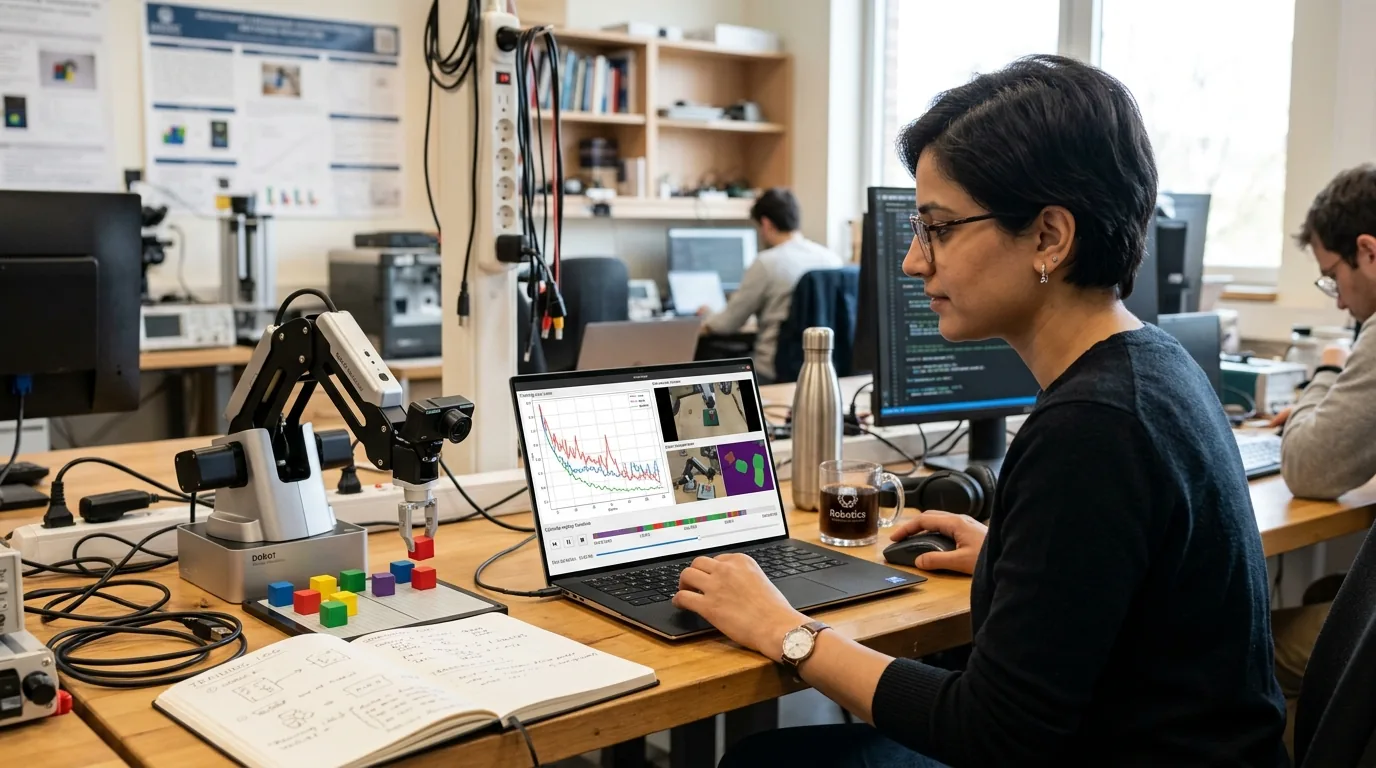
To solve this, Hugging Face built dataset editing tools into LeRobot. The software stores trajectories in Apache Parquet files synchronized with compressed video recordings inside the LeRobotDataset format. Using the dataset tool, I could review each recorded attempt on a timeline. When I found three runs where the gripper slipped on a corner, I deleted those specific bad attempts without needing to throw away the whole dataset.
Cleaning out those three flawed demonstrations made a dramatic difference. On my next evaluation, the robot completed nine out of ten autonomous block transfers without a single drop. Keeping clean data is the single most important habit for successful robot training.
Zero Code Robotics With LeLab in the Browser
Not everyone enjoys typing terminal flags and editing Python scripts. To welcome casual creators, Hugging Face introduced LeLab. LeLab is a web application that runs inside your everyday browser window. It talks to your local hardware through WebSockets.
In LeLab, you see a clean visual dashboard. You click a button to scan your USB ports, slide visual bars to check your motor limits, press record to start capturing video episodes, and click train to launch an artificial intelligence job. You can run the training locally on your own computer or send the job directly to cloud GPUs on Hugging Face Spaces. It removes the intimidation factor and lets anyone turn ideas into physical action within an afternoon.
Whenever you connect physical laboratory hardware to online platforms or cloud spaces, maintaining strict network security is vital. Earlier security reviews revealed how autonomous testing agents can search for repository vulnerabilities, as detailed in our analysis of the OpenAI and Hugging Face security incident. Using dedicated read-only API tokens and local execution safeguards your home workbench from unexpected remote commands.
Practical Tips for 3D Printing and Workbench Safety
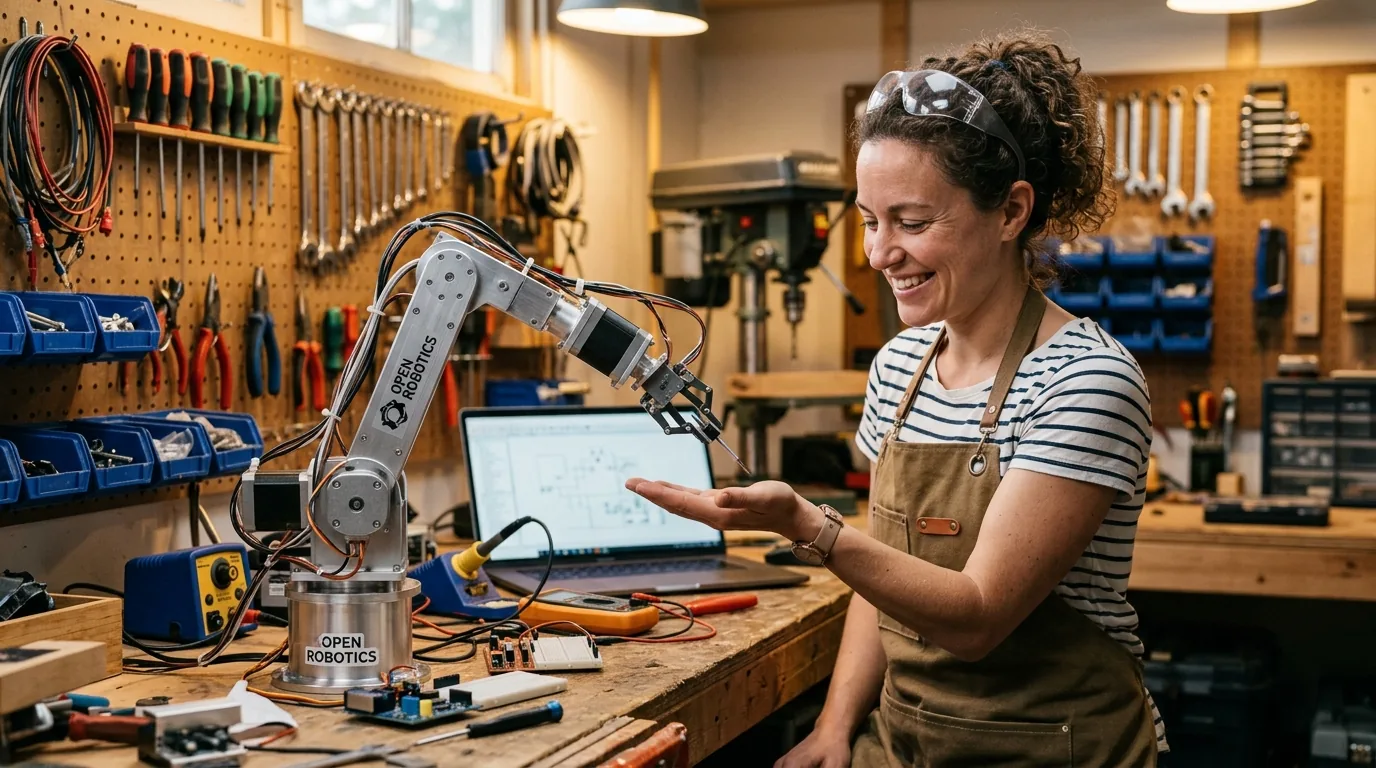
After spending dozens of hours assembling and testing the SO-100 arm, here are a few practical recommendations for anyone planning their own build. First, print your parts with four outer wall layers and at least thirty-five percent infill. Robot joints experience continuous twisting pressure, and flimsy prints will bend under load.
Second, use a dedicated twelve-volt power supply rated for at least eight to ten amperes. When multiple motors lift a heavy payload at the same time, peak electrical demand can cause low-amperage supplies to brown out, triggering sudden USB disconnects.
Third, keep your cameras firmly mounted. If a webcam shifts even an inch during a test, the visual inputs will not match what the model learned during demonstrations. Fasten your camera tripods to your desk with tape or clamps before recording your training episodes.
Frequently Asked Questions
What is Hugging Face LeRobot and how does it work?
Hugging Face LeRobot is an open source library that provides software tools, datasets, and machine learning models to teach physical robots using imitation learning. Users demonstrate tasks with a controller or leader arm, and the neural network learns to repeat the action autonomously.
How much does it cost to build a SO-100 robot arm?
Building a complete SO-100 arm costs between one hundred and twenty dollars and one hundred and fifty dollars if you 3D print the plastic parts yourself and purchase the servo motors and adapter board online.
What is the difference between the SO-100 and SO-101 robot arm?
The SO-101 is an improved second generation design that routes electrical cables through internal hollow channels to prevent tangling, strengthens the wrist joint, and removes the need to take apart gears on the leader arm.
Can I control LeRobot with a smartphone instead of a second leader arm?
Yes, LeRobot includes a feature called PhoneConfig that allows you to use your smartphone as a spatial controller. The software reads your phone gyroscope and accelerometer to guide the follower arm over a local Wi-Fi connection.
Why does my robot arm jitter or experience lag during teleoperation?
Jitter and lag often occur when your computer serial port defaults to a sixteen millisecond latency timer. Changing the USB serial latency timer to one millisecond in your operating system settings provides immediate smooth motion.
Why does my trained robot policy fail when room lighting changes?
Robotic vision models are sensitive to shifts in brightness and color. When webcams automatically adjust exposure, pixel distributions change and confuse the policy. Locking your cameras to manual exposure and fixed white balance eliminates this issue.
How do Action Chunking with Transformers and Diffusion Policy differ?
Action Chunking with Transformers predicts groups of future movements together and trains quickly with low memory. Diffusion Policy cleans up movement trajectories iteratively and excels at tasks where multiple different paths can accomplish the same goal.
How does the LeRobot dataset format organize training demonstrations?
The LeRobotDataset format uses Apache Parquet files to store motor angles and velocities in clean columns, paired with compressed video recordings and metadata configuration files for fast streaming and easy episode scrubbing.


Loading comments…