


Your phone's battery is a consumable part, and it is degrading right now, whether you can see the damage or not. The awkward truth is that two phones of the same age can be in completely different shape, because the wear depends on how hot things ran, how often they sat at 100 percent, and how deep the discharges went. Worse, the tools for finding out how bad it is vary wildly by maker. A Pixel will show a number. A Samsung will show a status label. Most other Android phones will say nothing at all.[1]
This piece covers where the settings live on each device family, what the charge-limit options actually do, and the point at which a battery swap pays for itself. Context from the current hardware matters here too, because a 5,000mAh cell with 60-watt charging, like the one in our Galaxy S26 Ultra review, ages on a different clock than a smaller flagship cell that sips in at 25 watts.
Pixel phones show the number, if you have the right model
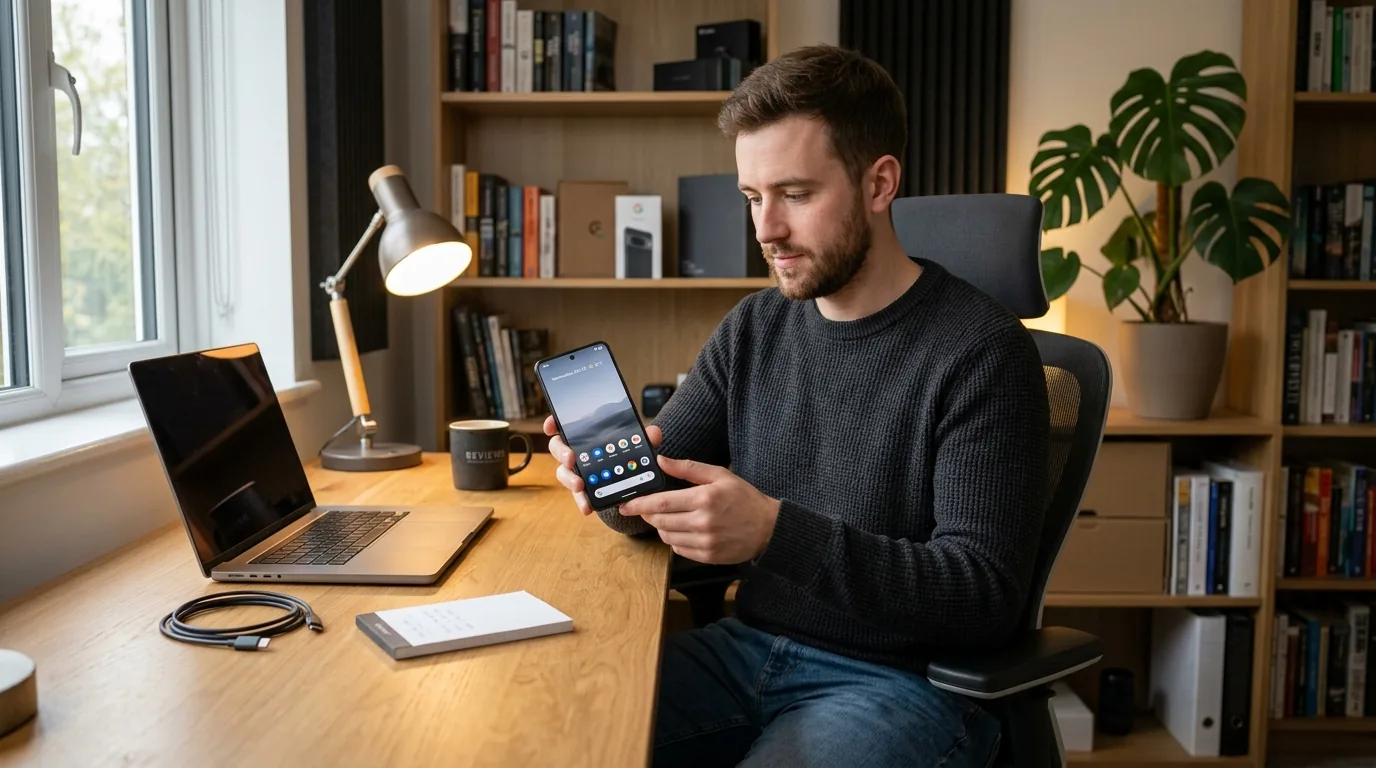
Google is the only major Android maker that publishes the battery's health state openly. On a Pixel 8a or later, open Settings, then the battery section, then Battery health, and the phone reports its status as Normal or Reduced, with Reduced meaning the battery holds less than 80 per cent of its original capacity.[1] Underneath that label sits Battery capacity, which shows the estimated percentage of original capacity the cell can still hold. The charge cycle count, the number of complete 100 percent discharges and recharges the battery has seen, sits one place further away in Settings, then About phone, then Battery information, and Google's guidance for replacing a battery kicks in at the rated cycle count or below 80 per cent remaining capacity, whichever comes first.[1] The rated counts differ by generation. Pixel 3 through Pixel 8 Pro and the Pixel Fold are rated for 800 cycles, while the Pixel 8a and later are rated for 1,000.[1]
Two settings do the real work on a Pixel. The first is the 80 per cent charging limit, set from the battery section as a cap that stops the phone filling past 80 per cent and holding it there overnight. The second is adaptive charging, which learns when you tend to pick the phone up in the morning and times the final top-up so the battery spends less time parked at full charge. Google's own care notes recommend charging in a cool place around 25 degrees, with a proper USB-C PD or PPS charger, and avoiding prolonged exposure to heat above 35 degrees.[1]
Samsung gives you a label and a limit
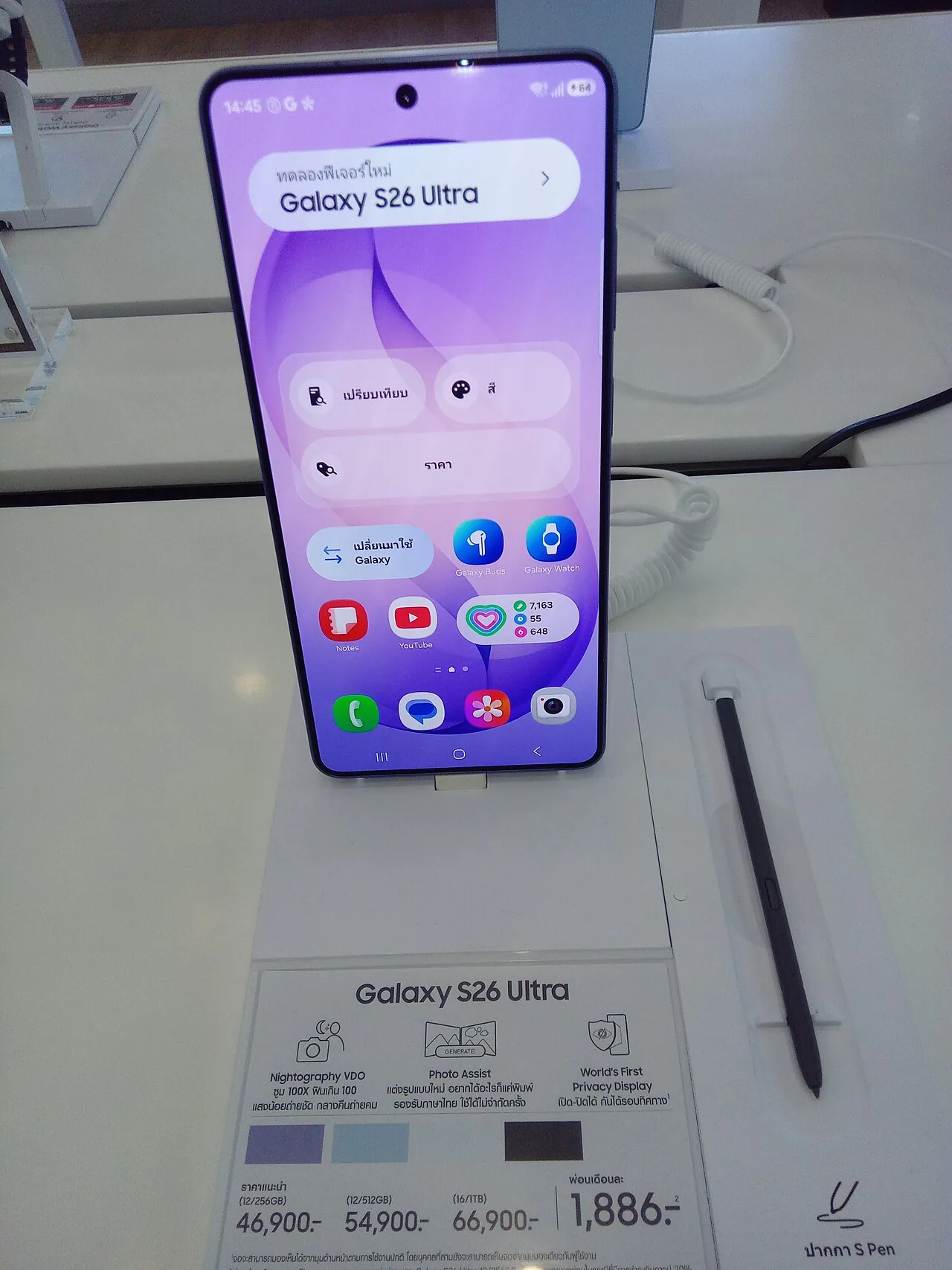
One UI handles the same problem a step less openly. Samsung's Protect battery setting limits the maximum charge to 85 per cent, and it is switched off by default. When it is on, the phone stops filling at 85 per cent and shows a message along the lines of charging paused, protect battery limits you to 85 per cent.[2] In newer One UI builds that single toggle has grown into a set of protection modes covering basic charging, an adaptive mode that learns your routine and holds the top slice until you need it, and a maximum-protection mode with a hard cap, which on the newest releases you can set to 80, 85, 90 or 95 per cent.[3] Find it in Settings, then the battery section, where the current One UI version lists it as battery protection or protect battery depending on the software revision.
For the health reading itself, Samsung's route is a status label rather than a raw percentage. The battery section and the Samsung Members diagnostics give a state such as Good or Weak, and Good broadly means the cell still holds around 80 per cent of its original capacity or more. There is no first-party screen showing cycle count or maximum capacity the way Google offers, which is why the charge-limit modes do so much of the work: they manage the wear you cannot see.[3]
Everything else on Android is luck of the draw
Xiaomi, Oppo, OnePlus and the rest of the Android world expose battery health inconsistently, and a lot of it exposes nothing. The practical fallback is a diagnostic shortcut that ships with the operating system itself. Dial *#*#4636#*#* in the phone app and Android opens a testing screen with battery level, health, temperature and voltage, and on some devices the charge cycle count as well.[4] Treat it as a bonus rather than a standard, because on many current Android versions the battery information section has been trimmed or removed entirely, and the screen simply does not appear.[5] Where the code is dead, the honest measurement is the one you already feel. A phone that used to last the day and now wants a top-up by early afternoon, or that drains suspiciously fast at 20 per cent, has a tired battery, and the practical route is third-party battery apps that estimate wear from voltage and temperature behaviour, which is a guide rather than a measurement.
What actually kills a lithium-ion cell
The chemistry underneath all of these phones is the same. A lithium-ion cell loses capacity faster when it sits at a full charge, when it runs hot, and when it is cycled to the extremes of its range. Studies cited in battery care literature put the number at up to 35 per cent capacity loss within a year for a cell held at 100 per cent in a 40-degree environment, which is the difference between a phone on a bedside table and one on a car dashboard in August.[6] That is where the 20-to-80 rule comes from. Keep the battery between roughly 20 and 80 per cent in daily life and the chemistry sees less stress, which is exactly what the 80 per cent limits on Pixel and Samsung phones automate for you.
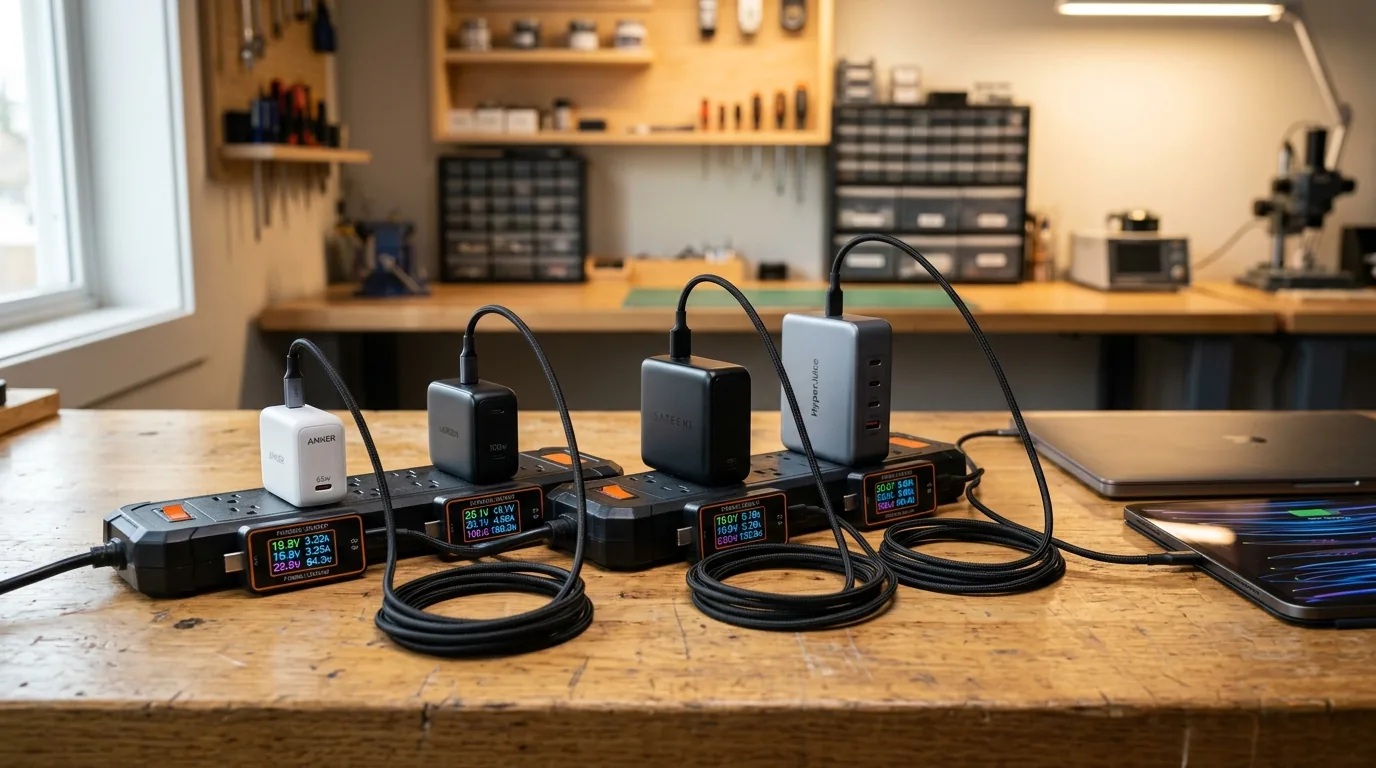
Heat is the bigger killer, and it is also the one you can control without giving up convenience. Charging while gaming runs the battery at high current while the phone is already warm. Direct sun does the same with none of the current. A thick case traps the heat the phone would otherwise shed. Google's care guidance, charge in a cool place around 25 degrees, is the summary of what the research points to.[1] The charger matters in the same paragraph. A poorly regulated wall adapter that cannot deliver the voltage the phone wants will sit on the top-up cycle for hours. Slow trickle at high state of charge is precisely the condition the chemistry dislikes. Our guide to picking a USB-C charger that won't cook your battery covers the buying side of that.[7]
The 80 per cent figure appears everywhere, and it is not a coincidence. Most OEMs use 80 per cent remaining capacity as the threshold at which a battery is considered to have reached the end of its useful life, and Google states it explicitly for Pixel. When the phone's health screen says Reduced, that is the same 80 per cent line, and it is the number the warranty and service teams will use when they ask whether the battery has worn out.[1]
When a battery swap pays for itself
Three situations justify taking the phone to a service centre. First, capacity below 80 per cent, which is the line Google draws for Pixel and the one most other OEMs use for their own warranty thresholds. Second, a swollen battery, where the screen starts to lift. Google is explicit that a swollen cell should not be pressed back in or pried at. Back up the data, set the phone on a table and let it drain, then get it repaired.[1] Third, sudden shutdowns at 15 or 20 per cent, which mean the cell's voltage can no longer hold under load even when the percentage says it should.
On cost, an official service centre typically quotes a flat price for a battery replacement including labour, and flagships sit in the region of 100 to 150 pounds depending on the model and whether the phone is still under warranty, where a defective battery is covered. Independent shops do the same job for less, usually in the region of half that, with the trade-off being the provenance of the replacement cell. If the phone is two years old and the battery reads 75 per cent, the maths is simple. A new cell restores most of the daily runtime, and the phone stays useful for another two years of charge cycles.
Per brand, in short
- Pixel 8a or later. Check Settings, then the battery section, then Battery health for the status and capacity estimate, and Settings, then About phone, then Battery information for the cycle count. Turn on the 80 per cent charging limit and adaptive charging.
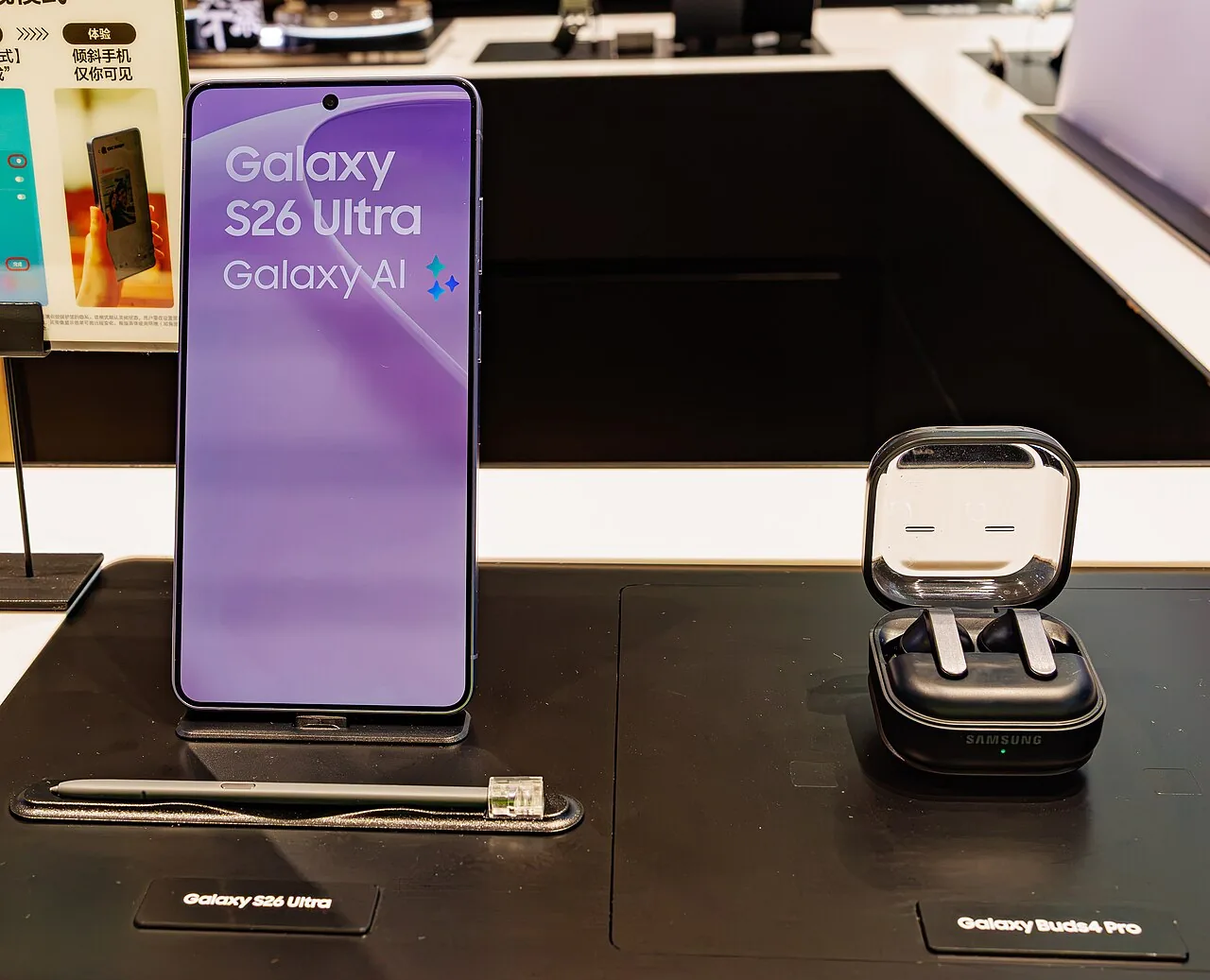
- Samsung Galaxy. Open Settings, then the battery section, and enable battery protection, choosing a mode that caps the charge at 85 per cent or lower for maximum longevity. Check the battery status label, and use the Samsung Members diagnostics for a second read.
- Other Android. Try dialling *#*#4636#*#* in the phone app and note what the screen reports, if anything. Keep a running mental note of runtime changes over the months, and stop gaming on the charger, in direct sun, or in a thick case.
Frequently asked questions
Is there an app that shows real battery health on any Android phone?
No. No third-party app can read the fuel gauge the way Google's own code does on a Pixel, because the hardware interface is closed off by the manufacturer. Apps that estimate wear from voltage and temperature are a useful guide on phones without a built-in readout, but they are estimates, not measurements. The only hard numbers you will find are the ones your own maker chooses to expose.
Where exactly does Pixel keep the cycle count?
Not in the battery health screen, which is a common point of confusion. The cycle count lives in Settings, then About phone, then Battery information, and it is available on Pixel 8a and later along with the battery manufacture date and the date of first use.[1]
Does the 80 per cent charging limit actually change how long the battery lasts?
It changes how the battery ages, which is a different thing from how long it lasts in a day. A capped charge means the cell spends less time at the top of its range, where lithium-ion chemistry degrades fastest, so it should hold 80 per cent of its original capacity for more of its rated cycles. You do lose a slice of daily runtime, and adaptive charging is the compromise, holding the top slice until you wake up and returning it on demand.
Does the 4636 code work on my phone?
It is worth 30 seconds. Dial *#*#4636#*#* in the phone app and see what opens. If a testing screen appears with battery level, health, temperature and voltage, note the values. On many modern Android versions the battery information section has been removed, and nothing opens, in which case the code is dead on your particular device and runtime is the only honest measurement.[5]
How low should capacity get before I pay for a replacement?
80 per cent is the line most OEMs draw, and Google states it explicitly for Pixel. Below that, expect noticeably shorter screen time and, eventually, shutdowns at low charge. A swollen battery or sudden shutdowns justify a replacement at any capacity, because those are safety and reliability issues rather than wear issues.[1]
References
- Google — Understand your Pixel battery (Pixel Phone Help)
- Samsung — Protect battery feature in Galaxy phones (updated 24 October 2025)
- Chargie — Samsung Galaxy battery health. How to use protect battery (One UI 6.1 and 7 protection modes)
- Honor — How to check battery health in Android (4636 diagnostic code)
- XDA Developers — Secret menu code 4636 not showing any battery status (thread)
- Portlandia Electric Supply — 20-80 per cent battery rule. Is it still worth it in 2026
- New Tech Reviewer — Best USB-C chargers of 2026 (companion piece on charger choice and heat)

Loading comments…