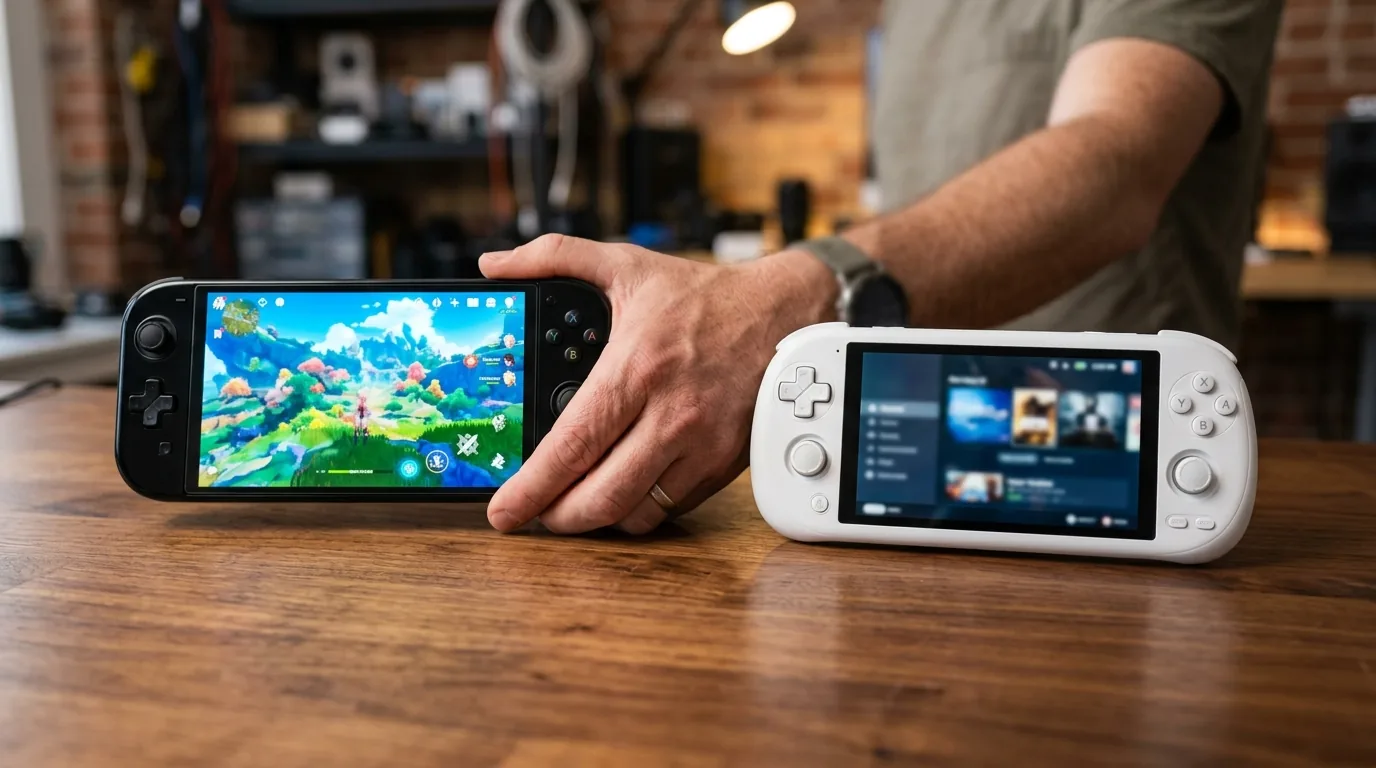


I sat down at my workbench on a crisp Monday morning with six gaming handhelds laid out side by side. For the past two years, mobile gaming changed faster than almost any other corner of personal computing. We went from low power gadgets that struggled to run basic titles to pocket computers capable of rendering massive open worlds. But when you look at the store shelves today, picking the right handheld feels confusing. Some run desktop Windows, some run custom Linux, and others rely on Android or special operating systems made only for their chips.
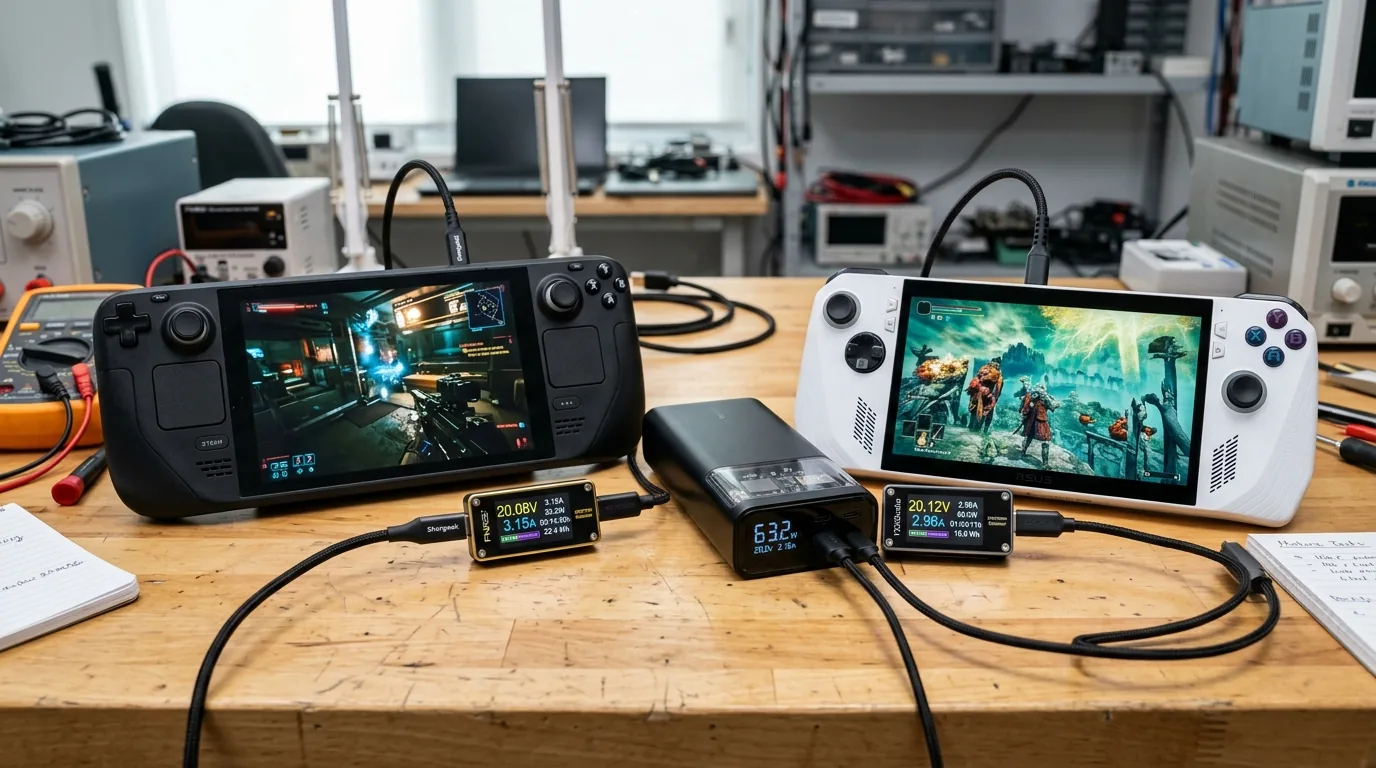
To find out which device truly deserves the crown and which makes the best steam deck alternative 2026 has to offer, I spent three months carrying these machines everywhere. I played them on bumpy subway rides, tested them on five hour cross country flights, and hooked them up to digital power meters on my workbench. I measured frame rates, tracked battery drain minute by minute, checked thermal heat exhaust vents, and tested thumbstick accuracy. What I learned surprised me, because the most expensive machine on paper is not always the one you actually want in your backpack.
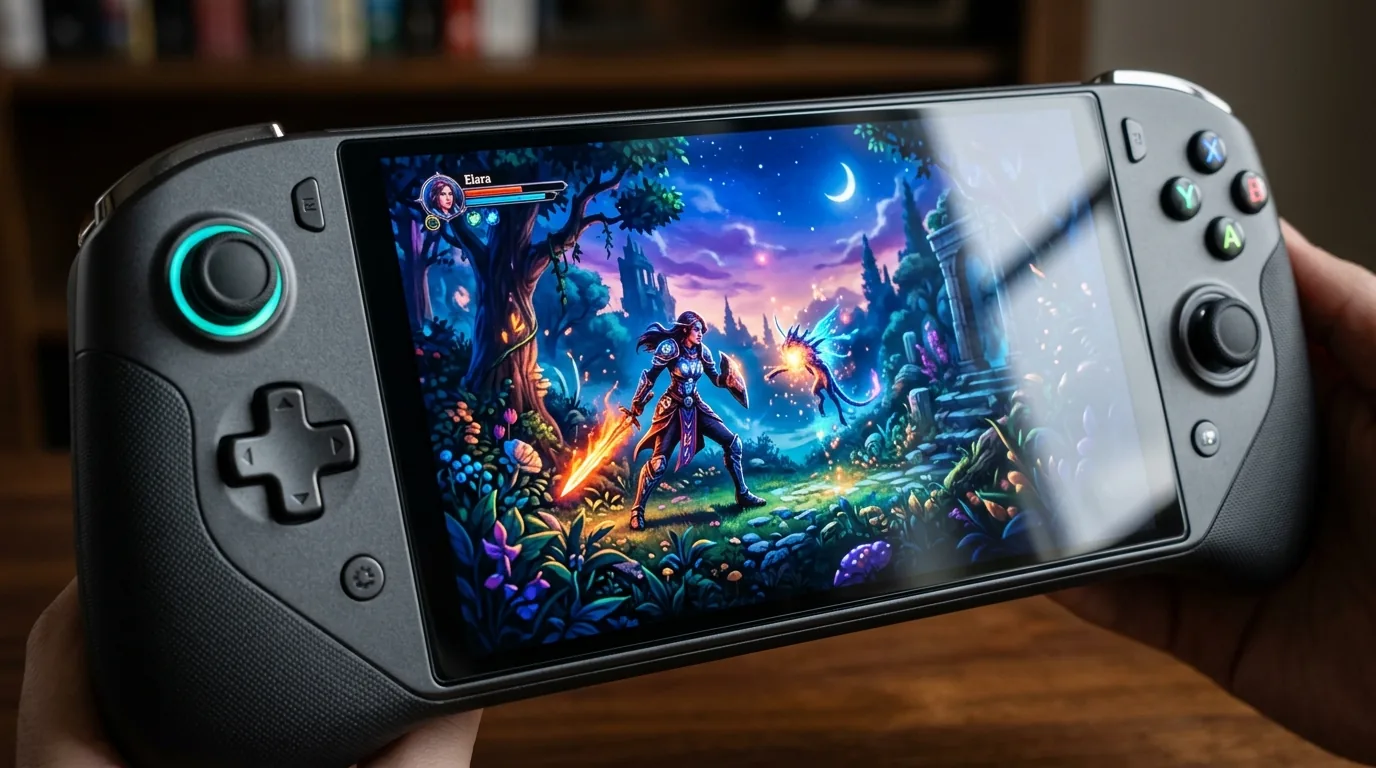
How We Got Here From Game Boy to Pocket Supercomputers
To understand why modern handhelds work the way they do, we have to look back at handheld history. Thirty five years ago, the original Nintendo Game Boy arrived with an eight bit processor and a tiny greenish screen with four shades of gray. It ran on four AA batteries and lasted for thirty hours because it drew less than a single watt of power. Gamers loved it because it meant you could take Tetris and Super Mario wherever you traveled.
Over the decades, companies pushed handheld hardware forward step by step. Sony introduced the PlayStation Portable and later the PlayStation Vita, giving gamers console quality visuals in the palm of their hands. You can see how that legacy echoes into modern Sony hardware in our PlayStation Portable 2 review and AMD Rembrandt analysis. But for a very long time, true PC gaming was locked behind heavy desktop towers and noisy gaming laptops with massive power bricks.
Everything changed when Valve released the original Steam Deck. Instead of using a mobile phone processor, Valve worked with AMD to build a custom computer processor that shrank desktop PC architecture down into a fifteen watt portable chip. That breakthrough proved you could play full PC games on the go. Today, giant hardware companies like ASUS, Lenovo, MSI, and Nintendo are fighting fiercely for your pocket, creating the most exciting handheld hardware battle in history.
The Two Big Philosophies Linux Console Simplicity Versus Windows Freedom
The first big decision you have to make when picking a handheld is choosing between two completely different software worlds. On one side stands SteamOS, which powers the Steam Deck OLED. On the other side stands Windows 11, which powers the ASUS ROG Ally X, Lenovo Legion Go, and MSI Claw 8 AI Plus.
SteamOS feels just like a home gaming console. When you press the power button, the screen wakes up in two seconds right where you paused your game. You browse your library using a clean controller menu, download games with one click, and never see a desktop mouse pointer or annoying driver popup. Valve built a smart software translation system called Proton GE that translates Windows game instructions into Linux instructions in real time. For nine out of ten story games, Proton works like pure magic.
Windows handhelds offer total freedom with extra work. Because they run standard Windows 11, you can install every gaming store on earth, including Xbox Game Pass, Epic Games Store, GOG, and Battle net. You can also play competitive multiplayer titles protected by kernel level anti cheat software like Call of Duty Warzone, Valorant, and Fortnite. SteamOS blocks those games because Linux cannot run their security drivers. However, using Windows on a seven inch touchscreen means dealing with tiny taskbar icons, unexpected system updates, and launcher popups that occasionally require touching the glass screen to dismiss.
The Top Contenders Head to Head on the Workbench
Let us look closely at the six top handheld contenders competing for your money this year.
1. ASUS ROG Ally X The Best High Performance Windows Handheld
The ASUS ROG Ally X is the most polished Windows gaming handheld built so far. ASUS listened to player complaints from their first model and fixed almost every single flaw. Under the hood sits the AMD Ryzen Z1 Extreme processor backed by twenty four gigabytes of lightning fast memory and a giant eighty watt hour battery.
The biggest joy of the Ally X is its screen. It features a seven inch Full HD panel running at one hundred and twenty hertz with native FreeSync Premium variable refresh rate. When demanding action games fluctuate between forty and fifty frames per second, the variable refresh rate screen matches the physical refresh rate to the exact frame output. This eliminates screen judder and tearing completely, making thirty five frames per second feel as smooth as sixty. With dual USB Type C ports including USB4, you can charge the unit while connecting external storage or high speed accessories.
2. Valve Steam Deck OLED The King of Battery Efficiency and Console Feel
The Steam Deck OLED remains my personal favorite device for daily commuting. Even though its AMD Sephiroth processor has less raw horsepower than newer Windows handhelds, its efficiency at low wattages is completely unmatched. Valve built an exquisite seven point four inch HDR OLED screen that delivers true inky blacks and stunning color pop.
Because Valve tuned the chip to run smoothly at low power draws between five and ten watts, lightweight indie games like Balatro, Dead Cells, and Hades run for eight to twelve hours on a single charge. The ergonomic grips fit naturally in your hands, the dual haptic touchpads allow you to control mouse driven strategy games with ease, and sleep mode lets you pause any game instantly without draining battery life in your bag.
3. MSI Claw 8 AI Plus Intel Lunar Lake Challenger
MSI took a completely different path by partnering with Intel. The new Claw 8 AI Plus packs the Intel Core Ultra 200 series Lunar Lake processor featuring Xe2 Battlemage graphics and an eighty watt hour battery. It also jumps to a larger eight inch Full HD screen running at one hundred and twenty hertz with variable refresh rate support.
In my workbench benchmarks, the Lunar Lake chip proved remarkably quiet and cool. Intel placed system memory directly on the processor package, which drastically reduces memory latency and drops idle battery drain. In games running at seventeen watts, the Intel Arc 140V graphics chip trades blows with AMD top silicon while producing softer fan noise.
4. Lenovo Legion Go 2 Massive Screen and Detachable Controllers
If you love big screens, the Lenovo Legion Go 2 stands out with its massive eight point eight inch high resolution display running at one hundred and forty four hertz. It features detachable controllers similar to the Nintendo Switch, and the right controller can even be placed into a magnetic base to work as a vertical optical mouse for first person shooters.
The large screen makes reading small text in computer strategy games easy, and dual full speed USB4 ports allow you to connect external graphics docks. However, that giant display and heavy cooling system make the Legion Go 2 the heaviest handheld in our test group, making it harder to hold up during long subway rides.
5. Nintendo Switch 2 The Family and First Party Champion
For gamers who care about exclusive titles like Mario, Zelda, and Pokemon, Nintendo remains in a league of its own. The upcoming Nintendo Switch 2 features custom Nvidia hardware with DLSS machine learning upscaling, allowing gorgeous games to run on both the handheld screen and a living room TV. You can explore how its visual performance stacks up against modern home consoles in our Nintendo Switch 2 versus PS5 and Xbox Series X performance comparison.
The Switch 2 relies on magnetic joy con attachments and super fast MicroSD Express card storage. While it does not run PC games from your Steam library, its plug and play simplicity, lightweight body, and family friendly game catalog keep it essential for millions of households.
6. Retroid Pocket 5 and AYN Odin 2 Mini The Budget Emulation Sweet Spot
Not everyone wants to spend seven hundred dollars on a heavy handheld PC. If your goal is playing classic retro games, PlayStation 2 classics, and modern Android titles, devices like the Retroid Pocket 5 and AYN Odin 2 Mini offer unbelievable value under three hundred dollars.
Powered by Qualcomm Snapdragon processors, these small machines weigh half as much as a PC handheld and run cool for nine to eleven hours on a charge. They feature bright OLED panels and Hall Effect thumbsticks, making them the ultimate portable travel companions for classic game lovers.
2026 Handheld Comparison Battery Life Specs and Real World Testing
To give you a clear comparison, here is how the top contenders stack up across battery size, weight, screen technology, and real world gaming battery runtimes under heavy loads.
| Handheld Model | Screen Type and Refresh | Battery Wh and Weight | Heavy AAA Game Battery Life |
|---|---|---|---|
| ASUS ROG Ally X | 7.0 inch IPS 120Hz FreeSync VRR | 80 Wh and 678 grams | 3 hours to 3 hours 45 minutes |
| Valve Steam Deck OLED | 7.4 inch HDR OLED 90Hz | 50 Wh and 640 grams | 2 hours to 2 hours 15 minutes |
| MSI Claw 8 AI Plus | 8.0 inch IPS 120Hz VRR | 80 Wh and 795 grams | 3 hours 30 minutes to 4 hours |
| Lenovo Legion Go 2 | 8.8 inch IPS 144Hz | 74 Wh and 854 grams | 2 hours 15 minutes to 3 hours |
| Nintendo Switch 2 | 7.9 inch LCD 60Hz HDR | 20 Wh and 410 grams | 2 hours 45 minutes to 3 hours 30 minutes |
| Retroid Pocket 5 | 5.5 inch AMOLED 60Hz | 19 Wh and 280 grams | 5 hours to 8 hours PS2 emulation |
The Science of TDP Wattage Scaling Curves
One of the biggest secrets that hardware spec sheets never explain is how processor wattage curves change performance. When companies advertise power, they talk about TDP, which stands for Thermal Design Power. This is the amount of electrical power the processor consumes in watts.
Different computer chips have completely different efficiency sweet spots. The custom AMD chip inside the Steam Deck was engineered specifically for low power draw between five watts and twelve watts. If you set the Steam Deck to eight watts while playing an indie role playing game, the chip sips tiny amounts of electricity and runs cold for eight hours. But if you push the Steam Deck above fifteen watts, its graphics cores hit an architectural wall and stop gaining speed.
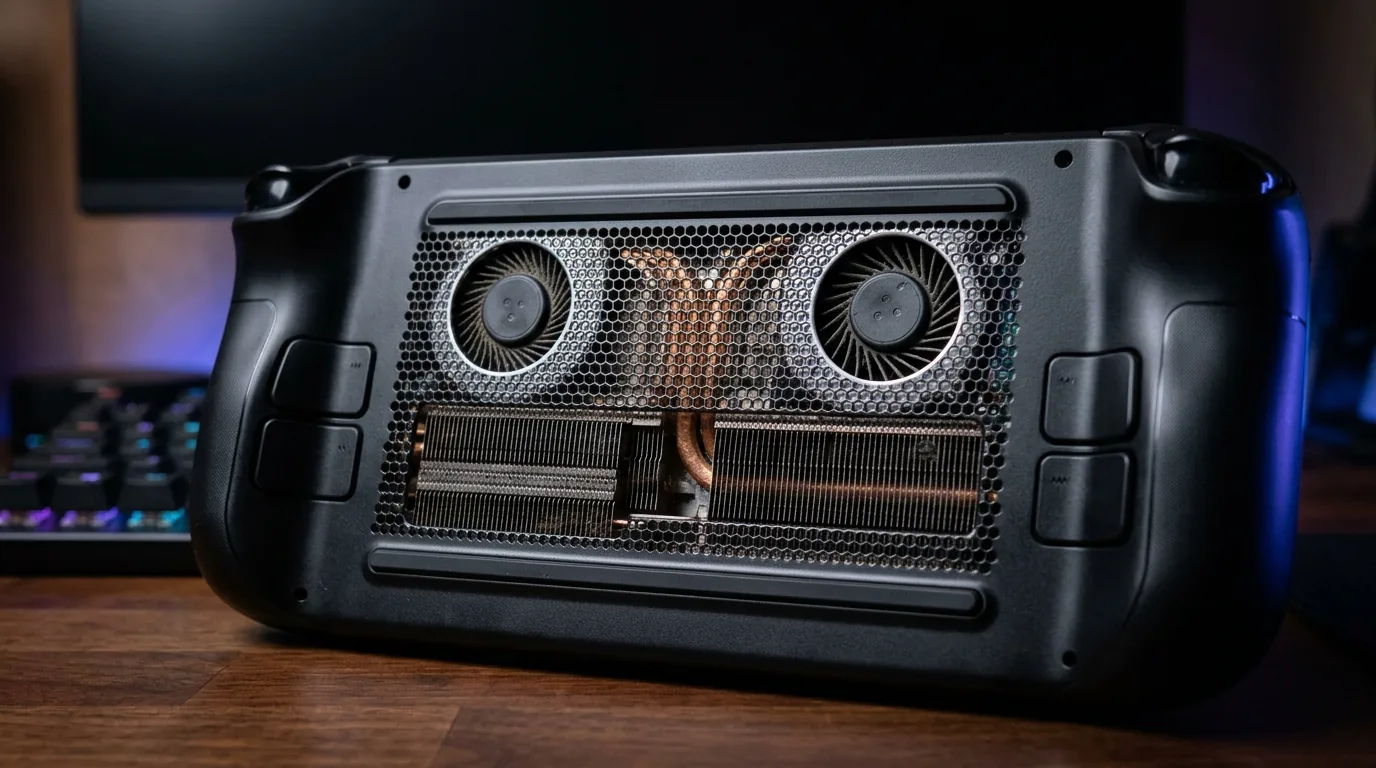
Modern chips like the AMD Ryzen Z1 Extreme and Intel Core Ultra 200 series behave in the opposite way. At eight watts, their large memory buses and extra compute cores starve for voltage, causing sluggish frame rates. But when you raise their power cap to seventeen watts or twenty five watts, they roar to life, delivering forty to sixty percent faster frame rates than the Steam Deck. This is why having a large eighty watt hour battery on the ROG Ally X and MSI Claw 8 AI Plus is mandatory. Without that giant battery, running high wattage turbo modes would drain the system in less than fifty minutes.
Why Hall Effect Joysticks and VRR Change Everything
When you hold a gaming handheld for two hours, tiny hardware details matter just as much as raw processor speed. Two features make a massive difference in long term satisfaction.
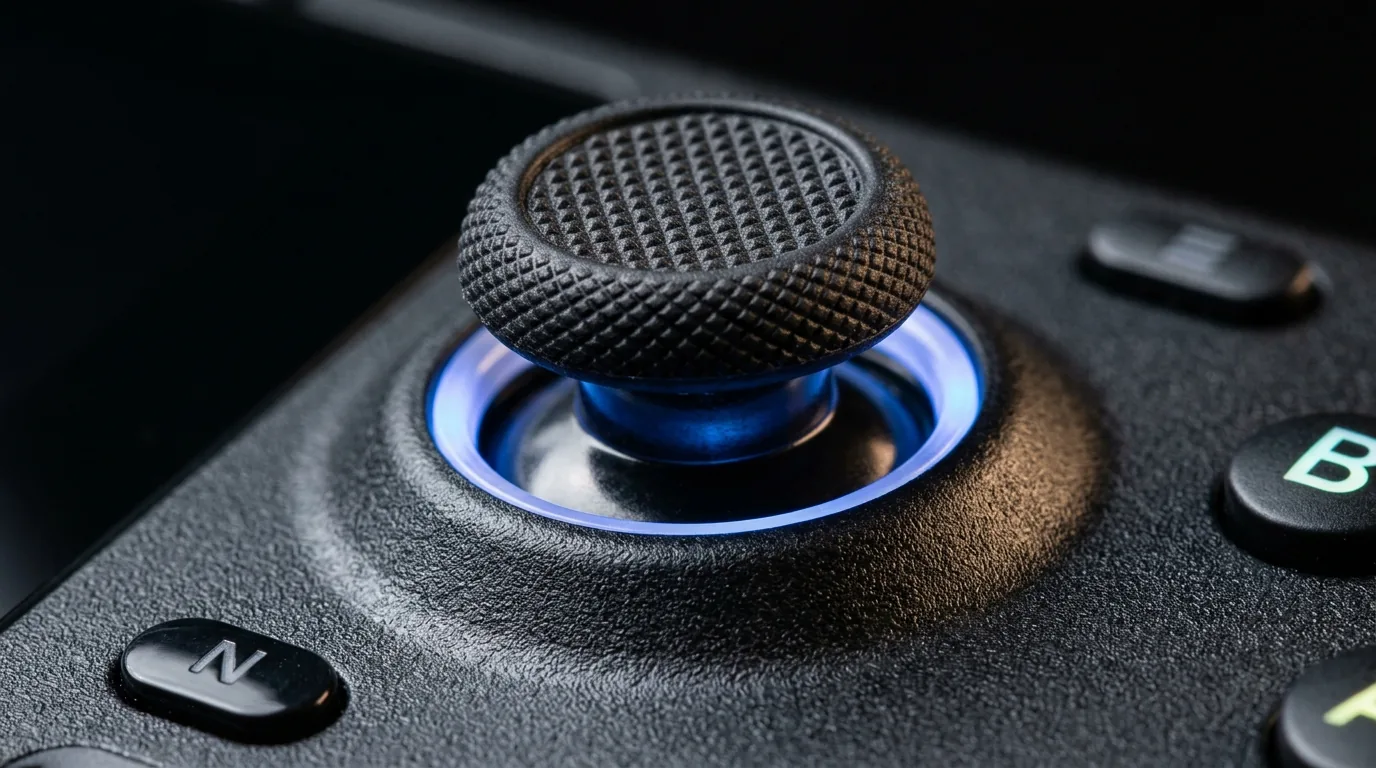
The first feature is Hall Effect magnetic analog joysticks. Traditional joysticks use tiny metal carbon wipers that physically rub against an electrical track every time you steer your character. Over months of heavy use, dust and friction scrape away the carbon layer, causing dreaded stick drift where your character walks on their own. Hall Effect sensors use tiny permanent magnets and electromagnetic sensors. Because the moving parts never touch each other physically, Hall Effect sticks never wear out, giving you lifelong aiming precision.
The second feature is Variable Refresh Rate, often called VRR or FreeSync. On regular fixed displays like the Steam Deck OLED or Nintendo Switch, the screen refreshes at a set rate like sixty hertz or ninety hertz. If your game drops from sixty frames per second down to forty seven frames per second during a heavy explosion, the screen repeats old frames, creating noticeable stutter. A VRR screen constantly speeds up or slows down its refresh timing to match every individual frame rendered by the graphics card. This means a demanding title hovering around forty five frames per second feels perfectly smooth and responsive without visual tearing.
Storage Upgrades and Power Delivery on the Road
Modern games take up enormous amounts of storage space. Titles like Baldur Gate 3, Cyberpunk 2077, and Call of Duty regularly require more than one hundred and thirty gigabytes each. Before buying a device, check what type of storage drive it accepts inside.
The Valve Steam Deck OLED and Lenovo Legion Go use compact M.2 2230 or 2242 solid state drives. These tiny square drives are easy to find, but high capacity two terabyte versions carry a premium price tag. The ASUS ROG Ally X upgraded its motherboard layout to fit standard desktop M.2 2280 NVMe solid state drives. This allows you to install affordable four terabyte drives without buying weird adapter brackets.
For traveling, pay close attention to your charging brick. Standard phone chargers that output twenty or thirty watts cannot keep up with high performance handheld PCs under full load. If you plug a low power phone charger into a Windows handheld running a heavy game, the battery will continue to slowly drain while plugged in. To charge your handheld while gaming at full speed, you need a high speed charger or portable battery bank supporting at least sixty five watts or one hundred watts of USB Power Delivery.
Fast wireless networking also matters when downloading massive game patches. If you play in a busy household with multiple gamers streaming simultaneously, pairing your handheld with next generation networking hardware like the ASUS ROG Rapture GT BN98 WiFi 8 gaming router ensures minimal latency and gigabit wireless download speeds. And if you are comparing versatile portable computing setups between mobile laptops and handheld gaming stations, check out our guide on the Googlebook launch specs pricing and Android laptop guide.

Which Handheld Should You Buy
After testing every machine across hundreds of hours of real gameplay, here is my direct buying advice tailored to how you actually play.
Buy the ASUS ROG Ally X if you want the absolute best all around Windows handheld PC. Its eighty watt hour battery eliminates battery anxiety, its twenty four gigabytes of memory runs modern titles without stutter, and its smooth one hundred and twenty hertz VRR screen delivers the best visual fluidity in the business.
Buy the Valve Steam Deck OLED if you want a true console experience for indie games, story driven adventures, and travel. Its OLED screen has the best contrast on the market, sleep and resume works flawlessly, and its battery runtime on lightweight games beats every competitor by hours.
Buy the Retroid Pocket 5 if you want an ultra light retro machine under three hundred dollars for classic emulation, and buy the Nintendo Switch 2 if your household loves exclusive first party Nintendo adventures.
Frequently Asked Questions
What is the best gaming handheld right now in 2026?
The ASUS ROG Ally X is the best high performance Windows handheld overall thanks to its eighty watt hour battery and smooth variable refresh rate display. For pure console simplicity and indie gaming, the Valve Steam Deck OLED remains the top pick.
Which handheld gaming PC has the longest battery life?
The MSI Claw 8 AI Plus and ASUS ROG Ally X lead in heavy modern titles with three to four hours of runtime due to their eighty watt hour batteries. For lighter indie games at low wattages, the Steam Deck OLED leads with eight to twelve hours.
Is the AMD Ryzen Z1 Extreme faster than the Steam Deck processor?
Yes, at power draws of seventeen watts and above, the AMD Ryzen Z1 Extreme provides between forty and sixty percent higher frame rates than the custom processor inside the Steam Deck.
What is the best budget gaming handheld under 300 dollars?
The Retroid Pocket 5 and AYN Odin 2 Mini are the best budget options under three hundred dollars, offering vibrant OLED displays, long battery life, and excellent emulation performance for classic games.
Does the Steam Deck OLED support Variable Refresh Rate or VRR?
No, the Steam Deck OLED features a fixed ninety hertz panel without variable refresh rate support, while Windows handhelds like the ROG Ally X feature native FreeSync Premium VRR.
Why do Windows handhelds drain battery faster than the Steam Deck at low power?
Windows 11 runs numerous background operating system services and its desktop processors require higher base voltages, whereas SteamOS and its custom chip are optimized to sip tiny amounts of electricity below ten watts.
Are Hall Effect magnetic joysticks necessary on gaming handhelds?
Hall Effect joysticks are highly recommended because they use electromagnetic sensors instead of physical contact wipers, completely eliminating analog stick drift over years of travel and heavy use.
What power bank wattage is needed to charge a gaming handheld while playing?
You need a portable power bank supporting at least sixty five watts or one hundred watts of USB Power Delivery to charge a modern gaming handheld while playing demanding titles at full power.
Loading comments…