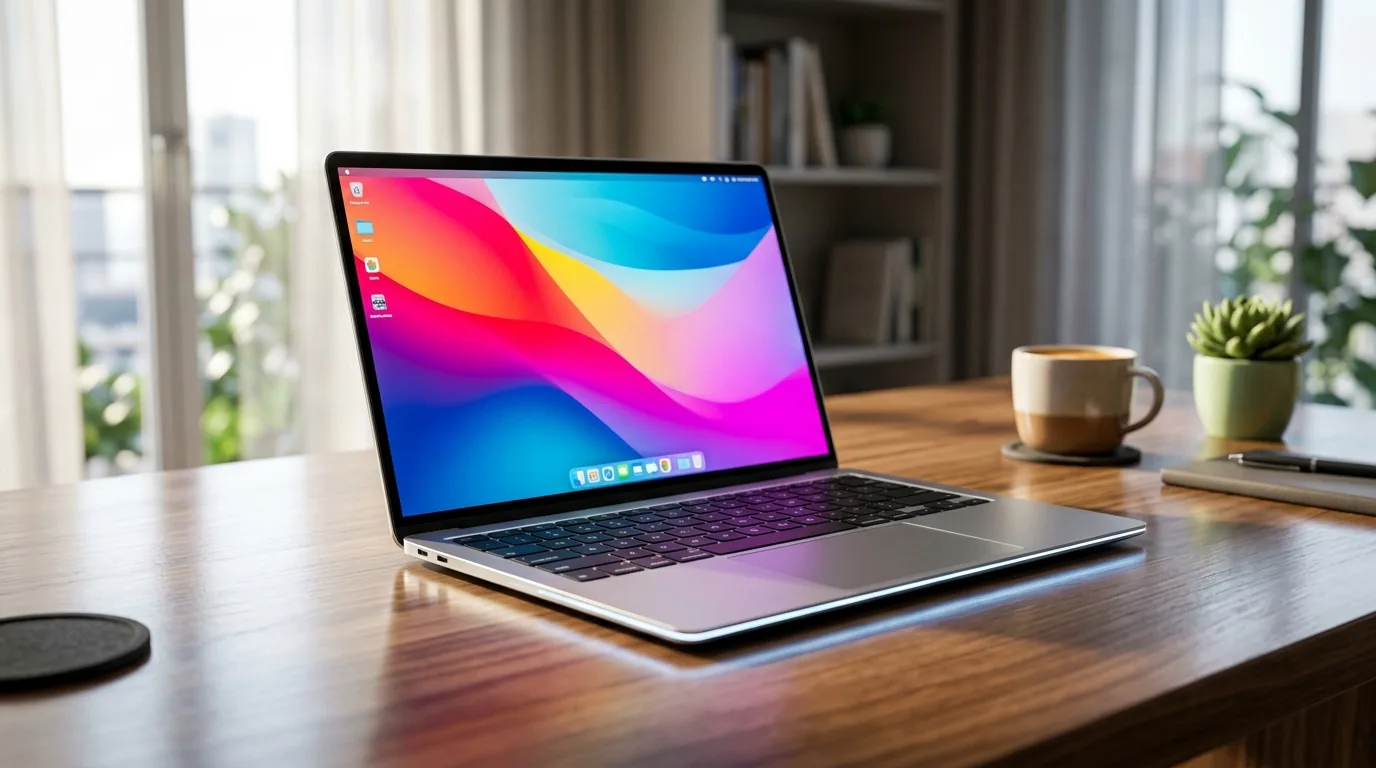
On September 21, 2026, Google officially commenced global pre-orders for the Googlebook, inaugurating a brand-new computing category designed to challenge the dominance of Apple’s MacBook Air and Microsoft’s Copilot+ PC ecosystem. Starting at $899, the Googlebook represents the culmination of a multi-year engineering effort to fuse the expansive application catalog of Android with the desktop windowing, enterprise security, and web standards of ChromeOS into a singular, cohesive desktop environment termed Googlebook OS.
Rather than positioning these machines as low-cost educational devices, Google has established strict hardware minimums for its manufacturing partners—including Acer, ASUS, Dell, HP, and Lenovo. Every launch device features an aerospace-grade aluminum or magnesium chassis, a minimum baseline of 16GB of unified memory, high-refresh OLED touchscreens, and integrated neural processing units (NPUs) exceeding 45 TOPS. Following today's pre-order opening, units will ship to retail store shelves in the United States on October 4, 2026, followed by an international rollout across Canada, the United Kingdom, France, Germany, Ireland, and Australia on October 5, 2026.
Hardware Standards: 16GB Baseline, OLED Touchscreens, and the Interactive Glowbar

For more than a decade, ChromeOS struggled against the stigma of budget plastic hardware. With the Googlebook, Google has instituted an unyielding certification standard that mirrors Intel's Evo and Apple's MacBook standards. No certified Googlebook can ship with less than 16GB of LPDDR5X RAM, ensuring that local neural networks, multi-tab browsing, and intensive background sync tasks execute without memory thrashing.
The display specifications establish an aggressive benchmark for sub-$1,000 laptops. Base configurations across Acer and ASUS feature 14-inch 2.8K (2880 x 1800) OLED touchscreens with dynamic 120Hz variable refresh rates, 100% DCI-P3 color gamut coverage, and peak HDR brightness reaching 600 nits. Premium Dell and HP SKUs expand into 16-inch form factors fabricated from CNC-milled magnesium and recycled carbon fiber, maintaining total system weights under 2.9 pounds.
The signature industrial design element across all models is the Glowbar—an interactive, multi-color LED light diffuser embedded along the front lip of the lower deck. Drawing inspiration from Google's classic Chromebook Pixel lightbar, the modernized Glowbar functions as an ambient visual telegraph:
- Charging Indicator: Tapping the lid while closed triggers a quick battery fill animation, illuminating green, amber, or red depending on charge state.
- Gemini Ambient Status: When on-device AI tasks or voice queries execute, the bar shifts through signature Google color pulses, signaling that the local NPU is processing tokens.
- Notification Triage: Subtle, customizable light pulses alert users to urgent communications from pinned VIP contacts without waking the primary display panel.
Googlebook OS Architecture: Merging Android ART with Desktop Multi-Windowing

The defining technical breakthrough of the Googlebook is its operating system. In previous iterations of ChromeOS, running Android software required virtual machine containers (ARCVM) that incurred severe memory overhead, latency penalties, and awkward touch-to-mouse translation quirks. In contrast, Googlebook OS represents a unified architectural stack built on an optimized Linux kernel that treats Android runtime (ART) components and desktop Chromium instances as native peers.
Unlike Windows 11—which suffers from significant background service overhead and WebView memory bloat, as documented in our investigative report on the Windows 11 Weather app RAM usage—Googlebook OS boots in under four seconds, maintains zero legacy registry bloat, and operates within a strict sandboxed container model. Desktop windowing supports full freeform tiling, snap layouts, virtual multi-desktops, and persistent dual-monitor docking over USB4.
For the more than three billion consumers using Android smartphones globally, Googlebook OS provides seamless continuity through the Continue On framework:
- Cast My Apps: Wireless, low-latency streaming of any app directly from a paired Pixel or Samsung Galaxy phone, enabling users to interact with mobile-only services using the physical keyboard and trackpad.
- Universal Clipboard & SMS Relay: Instant cryptographic pairing over Bluetooth Low Energy and Wi-Fi Direct synchronizes clipboard contents, one-time security codes, and files bidirectionally.
- Instant Cellular Tethering: Approaching the laptop automatically establishes an encrypted data tunnel to the user’s smartphone without manual hot-spot toggling.
Gemini AI Deep Integration: Magic Pointer, Create My Widget, and Rambler
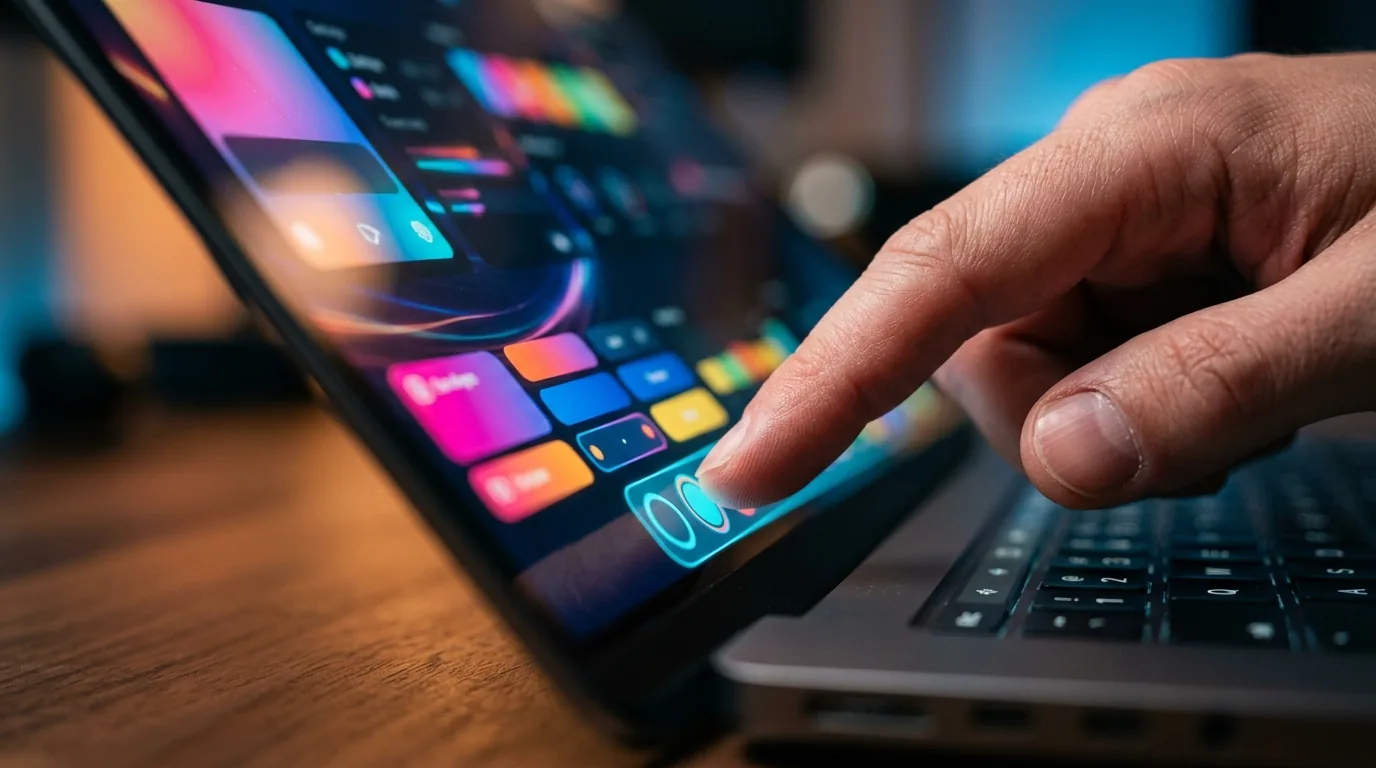
While competitors like Apple have struggled with delayed software deliveries and broken marketing promises—as highlighted in the ongoing $250M Apple Siri settlement—Google has prioritized shipping day-one functional neural tools directly embedded into system primitives. The Googlebook keyboard introduces two dedicated physical hardware keys: the Quick Insert key and the Rambler key.
The integrated AI features focus on active, non-intrusive productivity enhancements:
- Magic Pointer: Activating the cursor with a quick lateral shake or two-finger trackpad squeeze transforms the pointer into an intelligent optical inspector. Hovering over unformatted dates on a webpage automatically suggests Google Calendar appointments; selecting visual elements allows users to isolate objects, extract complex text from flattened images, or cross-reference contextual web queries instantly.
- Create My Widget: Users can craft bespoke, interactive desktop widgets simply by typing natural language prompts. For instance, prompting "Show a flight tracker for United flight 402 with live weather in Chicago" compiles a live, updating UI card pinned directly to the desktop workspace without writing code.
- Rambler: Tapping the dedicated Rambler key activates an on-device speech-to-structure model. Users can speak continuous, disorganized streams of thought, and the local Gemini Nano model synthesizes the audio into polished meeting minutes, actionable Kanban task lists, or structured executive briefs in real time.
Silicon Shootout: Snapdragon X Elite vs. Intel Core Ultra Series 3
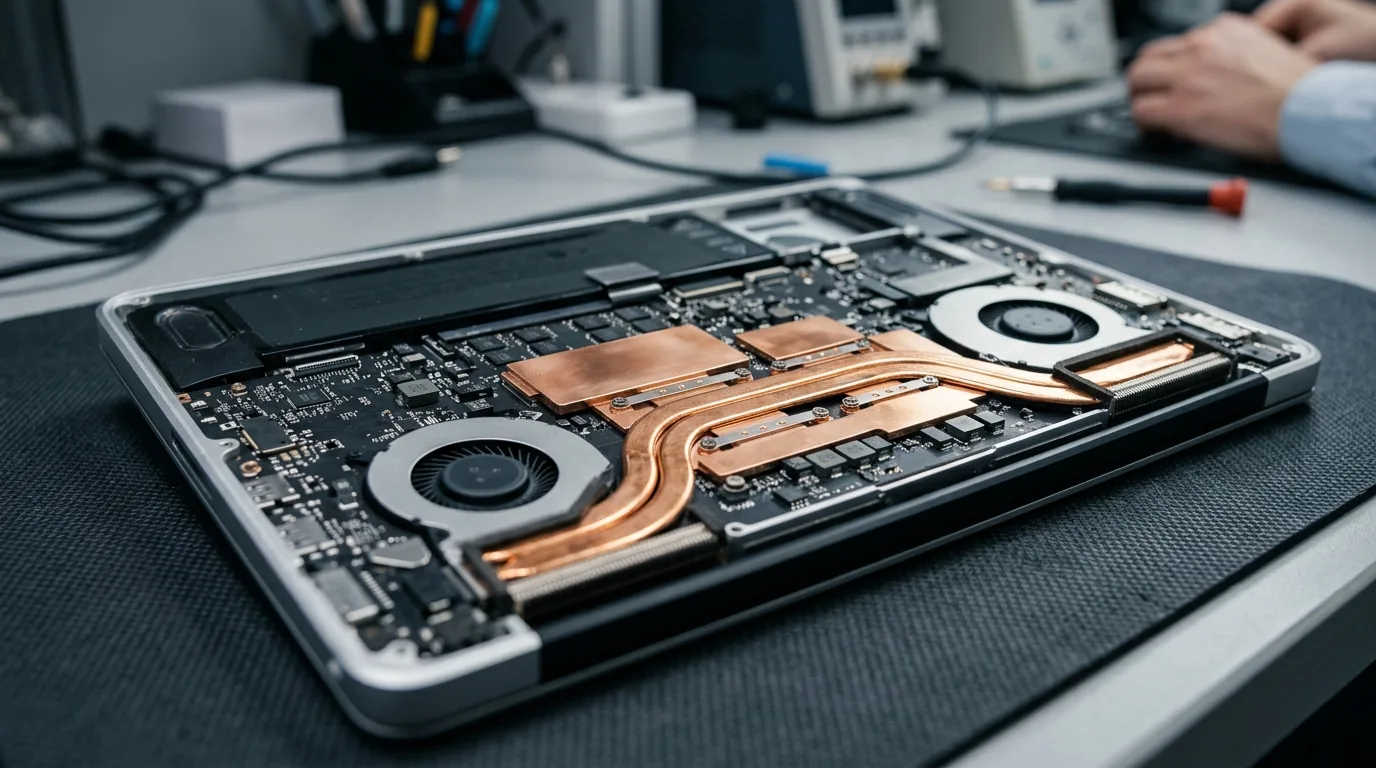
Google has deployed a bifurcated processor architecture for the Googlebook launch, offering consumer models powered by Qualcomm Snapdragon X Elite silicon and enterprise-focused variants running Intel Core Ultra Series 3 processors. As detailed in our comprehensive analysis of Snapdragon X Elite efficiency, the 4nm Arm-based platform delivers exceptional thermal performance, enabling fanless operation and up to 18 hours of real-world battery endurance.
The table below provides an objective head-to-head comparison between the entry Googlebook, Apple's MacBook Air (M3/M4), and Microsoft's Surface Laptop 7 (Copilot+):
| Feature / Specification | Googlebook (Base Launch SKU) | Apple MacBook Air 13-inch | Microsoft Surface Laptop 7 |
|---|---|---|---|
| Starting Price (MSRP) | $899 | $1,099 (16GB configuration) | $999 |
| Operating System | Googlebook OS (Android + ChromeOS) | macOS Sonoma / Sequoia | Windows 11 Home (Copilot+ edition) |
| Processor Options | Snapdragon X Elite / Intel Core Ultra 3 | Apple Silicon M3 / M4 | Snapdragon X Plus / X Elite |
| NPU Performance | 45 – 48 TOPS | 16 – 38 TOPS | 45 TOPS |
| Baseline Memory (RAM) | 16GB LPDDR5X (Standard) | 16GB Unified (Base model upgraded) | 16GB LPDDR5X |
| Display Panel | 14.0-inch 2.8K 120Hz OLED Touchscreen | 13.6-inch Liquid Retina IPS (60Hz, Non-Touch) | 13.8-inch PixelSense IPS (120Hz Touch) |
| Battery Endurance | Up to 18 hours (Snapdragon SKU) | Up to 18 hours | Up to 16 hours |
| Biometrics & Lighting | Fingerprint + Dynamic Exterior Glowbar | Touch ID | Windows Hello Face Authentication |
| Mobile Ecosystem Tie-In | Native Android (Pixel, Samsung, OnePlus) | Native iOS (iPhone Continuity) | Phone Link (Virtual streaming) |
The Verdict: Should You Pre-Order a Googlebook?

At $899, the Googlebook disrupts a laptop market that had grown stagnant. For years, Android phone owners seeking a premium laptop were forced into an awkward compromise: purchase a MacBook and sacrifice seamless phone integration, or buy a Windows 11 laptop and contend with bloatware, aggressive background indexing, and fragmented phone-linking utilities.
The Googlebook directly resolves that dilemma. By providing a 2.8K 120Hz OLED touchscreen, 16GB of baseline memory, and all-day battery life for $200 less than a comparable MacBook Air, Google has delivered genuine hardware value. For students, remote knowledge workers, software developers using Linux containers, and the billions of active Android phone owners worldwide, the Googlebook represents the most compelling non-Apple computing ecosystem launched this decade.
Frequently Asked Questions
What is the difference between a Googlebook and a traditional Chromebook?
While traditional Chromebooks were designed primarily around web applications with sandboxed Android emulation, the Googlebook is a premium computing standard running Googlebook OS. It features native Android runtime integration, a baseline of 16GB RAM, mandatory OLED touchscreens, dedicated 45+ TOPS neural processing units, and premium aerospace-grade chassis materials.
How much does the Googlebook cost, and when will it arrive?
Pre-orders officially opened on September 21, 2026, with prices starting at $899 for baseline 14-inch configurations. Retail shipments and in-store availability begin on October 4, 2026, in the United States, followed by Canada, the UK, Germany, France, Ireland, and Australia on October 5, 2026.
Can a Googlebook run standard Android mobile applications?
Yes. Googlebook OS natively integrates the Android application framework, allowing millions of Google Play Store apps and games to run side-by-side with full desktop windowing, keyboard shortcuts, and mouse precision without emulation latency.
What does the Googlebook Glowbar do?
The Glowbar is an interactive multi-color LED light diffuser located on the front edge of the laptop chassis. It visualizes battery charge levels upon tapping the lid, communicates active Gemini AI processing status through pulsating color sequences, and alerts users to urgent notifications from VIP contacts.
Is the Googlebook compatible with non-Pixel Android smartphones?
Yes. While Pixel devices receive exclusive tight integration features, the core Continue On framework, notification relay, instant tethering, and Cast My Apps functionality support modern smartphones from Samsung, OnePlus, Motorola, and Xiaomi running Android 14 or later.


Loading comments…