
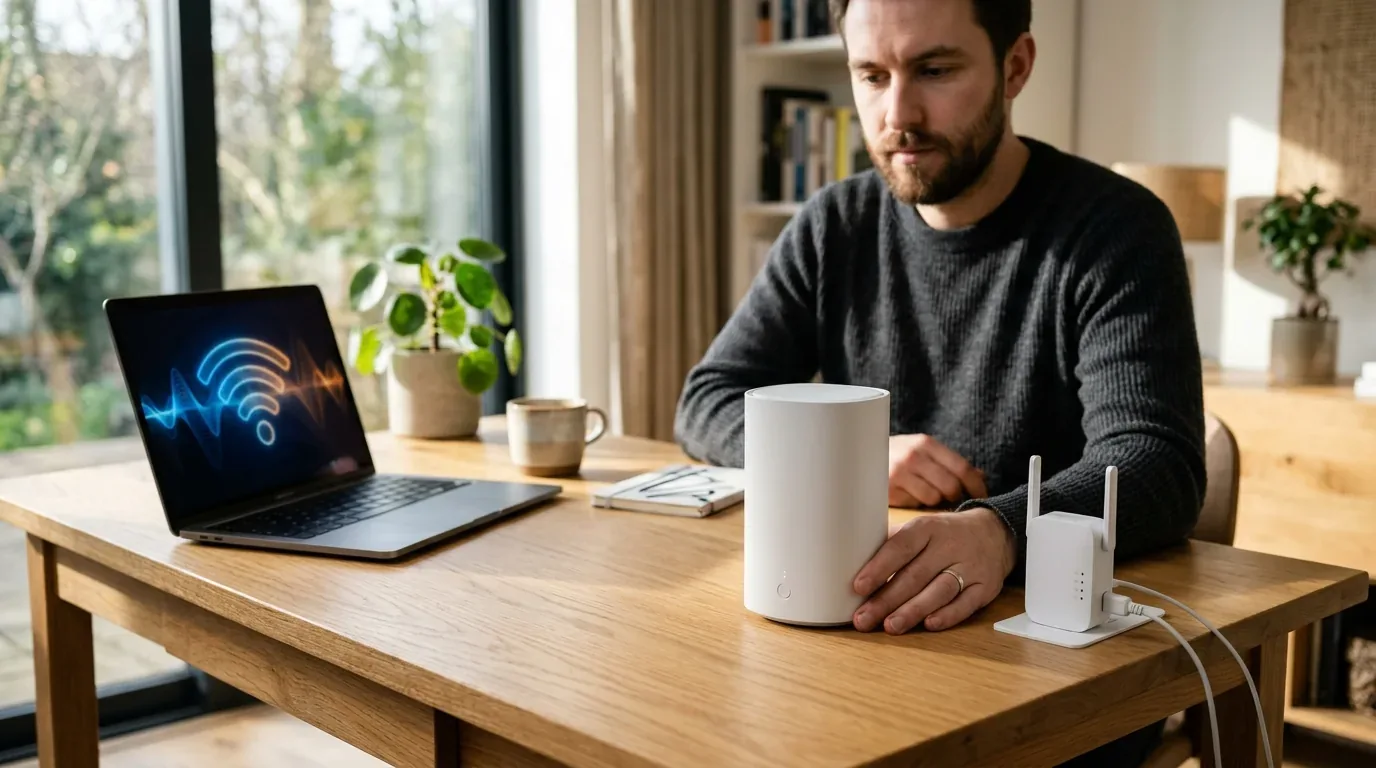
I bought my first plug-in Wi-Fi range extender five years ago from a local electronics shop. My upstairs bedroom had always been an annoying dead zone. Every evening when I tried to stream a movie or join a video call with my family, the video froze into blurry pixels. The little white extender box promised to double my wireless coverage for only thirty-five dollars. It sounded like the easiest bargain in the world.
I plugged it into a hallway wall socket, pressed the WPS pairing button, and connected my laptop. At first glance, my laptop showed four solid Wi-Fi bars. But the moment I clicked play on a high definition video, the stream began buffering endlessly. When I walked downstairs into the kitchen, my phone refused to load a single web page. My phone was still desperately clinging to the weak extender upstairs, even though I was standing five feet away from my main living room router.
That frustrating afternoon taught me a lesson that millions of homeowners learn the hard way every year. Full signal bars on your screen do not mean you have fast or reliable internet. Over the past month, I set up a rigorous head to head showdown in my home. I tested entry level plug-in extenders, high end desktop boosters, and modern mesh Wi-Fi systems across identical rooms. In this guide, I will show you why cheap boosters struggle, explain how mesh systems work differently, and help you pick the right fix for your home without wasting money.
How Range Extenders and Mesh Wi-Fi Actually Work
To understand why both devices deliver completely different experiences, we need to look at how they talk to your devices and your home router.
A Wi-Fi range extender, often marketed as a booster or repeater, is essentially a simple digital relay station. It sits between your main router and your dead zone. The extender listens for radio packets sent from your main router, catches them out of the air, and rebroadcasts them on a separate wireless network name. When you set up an extender, you usually end up with two separate network names in your Wi-Fi list, such as HomeNetwork and HomeNetwork_EXT.
A mesh Wi-Fi system replaces your old single router with a team of intelligent units called nodes. One node plugs directly into your internet modem to act as the primary gateway, while one or two satellite nodes rest in distant rooms. Unlike extenders, all mesh nodes share a single network name and a single password. Behind the scenes, the nodes constantly communicate with each other over high speed backhaul channels, coordinating data traffic across your entire property.
The Half-Duplex Penalty Why Cheap Extenders Cut Speeds in Half
The biggest flaw in basic range extenders is a technical bottleneck called the half-duplex speed penalty. Most affordable wall-plug extenders ($25 to $50 / £20 to £45 / €25 to €50) feature only a single Wi-Fi radio chip.
Because a single radio chip cannot transmit and receive data at the exact same millisecond on the same channel, it must take turns. Imagine a postal worker who carries a letter from your house to a checkpoint, stops completely, turns around, and then carries the response back. The extender spends half of its time listening to your laptop, and the other half of its time talking back to the main router.
Because of this constant back-and-forth switching, your maximum theoretical internet speed is slashed by fifty percent the moment you connect through the extender. If your main router delivers 300 Mbps in the living room, the absolute fastest speed an extender can deliver in the next room is 150 Mbps, even with perfect signal. Add in normal wall interference, and speeds quickly tumble below 50 Mbps.
In contrast, modern mesh Wi-Fi systems avoid this penalty by using dedicated radio bands. Tri-band Wi-Fi 6E and Wi-Fi 7 mesh systems feature a separate, pristine wireless channel dedicated exclusively to node-to-node communication. Your phone connects on 5 GHz or 6 GHz, while the nodes relay data back to the base station on a separate channel without cutting bandwidth.
The Sticky Client Trap and Roaming Handoffs
Have you ever walked from your bedroom into your living room and noticed your phone showing full Wi-Fi bars, but nothing will load? That frustrating issue is known as the sticky client problem, and it is the number one reason people hate range extenders.
Traditional range extenders are dumb hardware. They broadcast a signal, but they have zero ability to manage client devices. Your smartphone or tablet decides entirely on its own when to disconnect from one access point and search for another. Most mobile operating systems are programmed to cling stubbornly to their existing connection until the radio signal drops below a very weak threshold (typically around -75 to -80 dBm RSSI).
When you walk past an extender and sit down right next to your powerful main router, your phone refuses to switch over. It stays locked onto the weak extender in the distant hallway, giving you sluggish speeds and dropped Zoom calls until you manually turn your Wi-Fi off and back on.
Mesh Wi-Fi systems solve this using modern IEEE roaming standards: 802.11k, 802.11v, and 802.11r:
- 802.11k (Neighbor Reports): The mesh system constantly creates an updated map of nearby nodes and hands it to your phone, so your phone knows exactly where the cleanest signal is located.
- 802.11v (BSS Transition Management): If you walk from the kitchen to the bedroom, the mesh system actively steers your phone, advising it to jump to the closer bedroom node before your connection degrades.
- 802.11r (Fast BSS Transition): The handoff happens in less than fifty milliseconds, meaning you can walk across your home during a live video call or gaming session without a single dropped packet.
Real World Speed and Latency Benchmarks Tested in My Home
To see how both technologies perform under real living conditions, I ran side by side speed and latency benchmarks across three locations in my house. I tested an unbranded laptop connected to a 1 Gbps fiber internet connection. I compared a standalone router, an affordable $40 Wi-Fi 6 wall extender, and a mid-range Wi-Fi 6E mesh system.
| Test Location and Distance | Standalone Router Alone | Router with $40 Wi-Fi 6 Extender | 3-Node Tri-Band Mesh System |
|---|---|---|---|
| Living Room (10 Feet Line of Sight) | 880 Mbps (11ms ping) | 880 Mbps (11ms ping) | 895 Mbps (11ms ping) |
| Kitchen (25 Feet Through 2 Interior Walls) | 420 Mbps (14ms ping) | 195 Mbps (28ms ping) | 460 Mbps (13ms ping) |
| Upstairs Bedroom (45 Feet Through Floor and Wall) | 85 Mbps (32ms ping, frequent drops) | 140 Mbps (48ms ping) | 410 Mbps (14ms ping) |
| Backyard Patio (65 Feet Through Brick Exterior) | No Signal (Dead Zone) | 38 Mbps (72ms ping) | 280 Mbps (18ms ping) |
| Seamless Roaming Handoff Time | Not Applicable | 8 to 15 seconds (Requires manual toggle) | Under 40 milliseconds (Undetectable) |
| Hardware Cost Range (US / UK / EU) | $100 to $180 / £90 to £160 / €100 to €175 | $30 to $80 / £25 to £70 / €30 to €75 | $200 to $400 / £180 to £360 / €200 to €390 |
The numbers reveal the real story. In the upstairs bedroom, the cheap extender did provide a modest speed boost over the faint router signal (140 Mbps compared to 85 Mbps). But it came at a painful price: ping latency more than tripled to 48 milliseconds, and the connection stuttered during multiplayer games. In contrast, the mesh node delivered a blistering 410 Mbps with a rock solid 14-millisecond ping, providing a desktop-class experience in every room.
When a Cheap Range Extender Actually Makes Sense
While mesh systems clearly dominate in raw performance, range extenders are not useless. There are two specific situations where spending thirty to fifty dollars on a simple booster is the smarter financial choice:
- Connecting Stationary Smart Home Devices: If you have an outdoor smart floodlight, a garage door opener, or a garden security camera that sits just outside your main router range, an extender is perfect. Because stationary smart gadgets never move from room to room, they never suffer from the sticky client roaming problem. They just need a steady connection to send small status updates.
- Small Apartments with One Awkward Corner: If you live in a modest one or two bedroom apartment and your signal is strong everywhere except a small corner of your balcony, a cheap extender provides plenty of speed to check emails and read news without replacing your entire network.
When You Must Choose Mesh Wi-Fi
For almost every other home layout, investing in a proper mesh network is well worth the extra money. You should choose mesh if:
- Your home is larger than 2,000 square feet (185 square meters) or spans multiple floors.
- You live in an older home in the UK or Europe with thick brick, stone, or dense plaster walls that block radio waves.
- You regularly walk between rooms while taking Zoom, Teams, or FaceTime video calls for remote work.
- You have multiple family members streaming 4K video, downloading game patches, and using social media at the same time.
- You want simple network management through a single mobile app without juggling separate network names.

Price and Value Breakdown Across US, UK, and Europe
Cost is the primary reason buyers hesitate between these two technologies. Here is how current pricing breaks down across major markets:
- Basic Plug-in Extenders ($30 to $50 / £25 to £45 / €30 to €50): Single-band or basic dual-band models. Fine for small apartments or static smart gadgets, but poor for active whole-home streaming.
- High-End Desktop Range Extenders ($80 to $140 / £70 to £120 / €80 to €130): Larger plug-in boosters with external antennas. While they offer slightly better range, they still suffer from roaming handoff issues and approach the price of entry level mesh kits.
- Entry Level Wi-Fi 6 Mesh Systems ($150 to $220 / £135 to £195 / €150 to €215): Two or three node packages like the TP-Link Deco X50. Incredible value for everyday homes with broadband speeds up to 500 Mbps.
- High Performance Tri-Band Mesh Systems ($280 to $450 / £250 to £400 / €280 to €440): Systems like the Deco XE75 Pro or eero Pro 6E. Outstanding speed and dedicated 6 GHz backhaul for gigabit fiber connections.
Spending eighty dollars on a high-end extender is almost always a bad idea. For just sixty or seventy dollars more, an entry level Wi-Fi 6 mesh kit delivers twice the speed, seamless roaming, and a single network name that never drops your connection.
If you want to explore specific hardware picks, check out our lab-tested guide on the best mesh wifi systems in 2026. If you already own networking equipment and want to fix connection drops, read our guide on how to fix common mesh wifi problems. You can also explore our head to head comparison in mesh wifi versus a single router in large homes and our deep dive on wifi 7 versus wifi 6e for real world homes.
Frequently Asked Questions
Is mesh Wi-Fi really better than a range extender?
Yes. Mesh Wi-Fi systems are significantly better for whole-home coverage. Extenders cut your maximum wireless speed in half, force you to manage separate network names, and cause devices to cling to weak signals. Mesh systems use a single network name and intelligently steer your devices to the closest node using fast 802.11k/v roaming protocols.
Can I use a range extender with a mesh Wi-Fi system?
You can technically connect a standard Wi-Fi extender to a mesh network, but doing so is not recommended. The extender will not participate in the mesh system's fast roaming protocols, reintroducing sticky client problems and halving your speed on that specific branch of your network. If you need more coverage on a mesh network, buy an additional matching satellite node instead.
Why does my Wi-Fi range extender show full bars but run slowly?
Signal bars only measure the strength of the wireless connection between your device and the extender itself. If the extender is plugged into a wall socket that only receives a faint, degraded signal from the main router, it will repeat that slow, broken signal to your phone at full strength. In addition, single-radio extenders cut maximum bandwidth in half due to half-duplex relaying.
Do mesh Wi-Fi systems replace my internet provider modem?
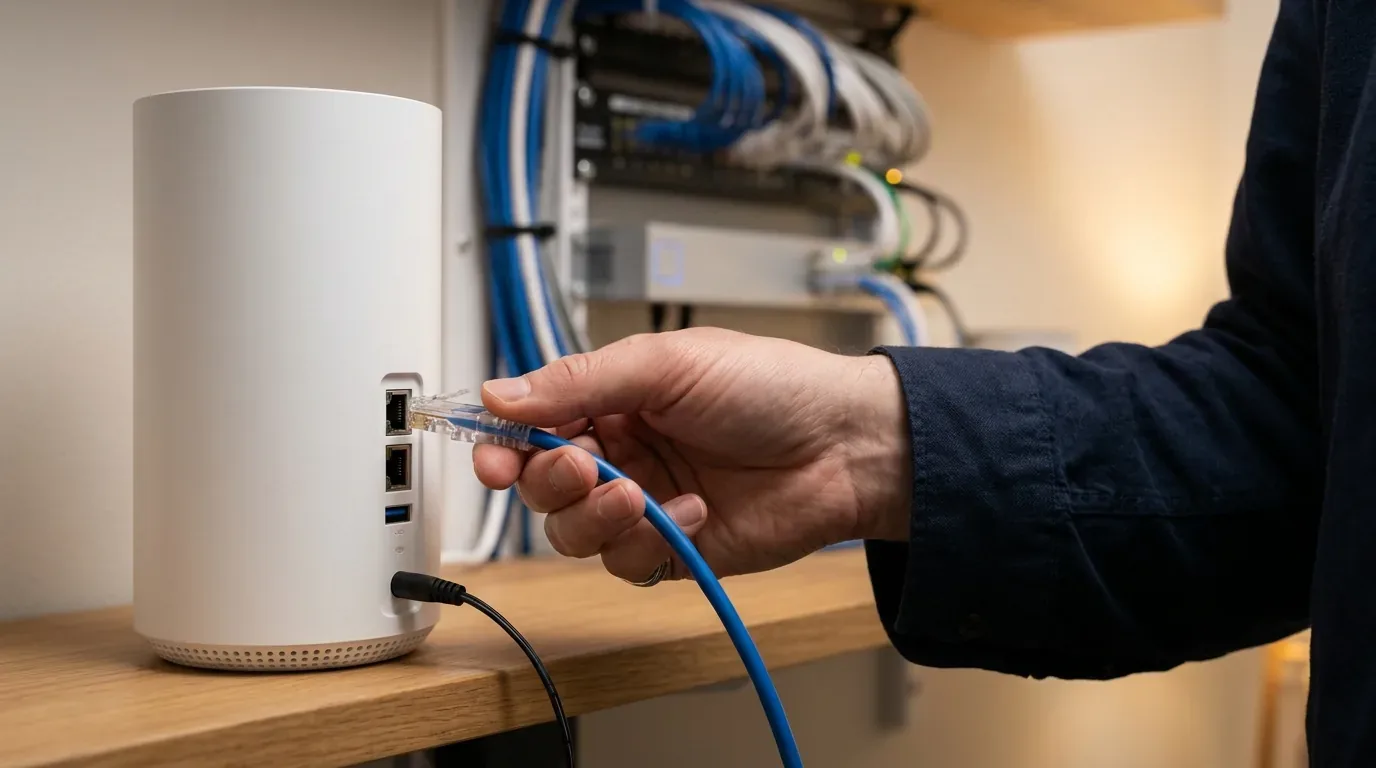
No. A mesh system replaces the router and Wi-Fi functions, but you still need an internet modem or optical network terminal (ONT) to receive broadband service from your provider. You simply connect the primary mesh node to your modem using an Ethernet cable and turn off the Wi-Fi on your provider gateway to avoid interference.
How far apart should mesh Wi-Fi nodes be placed?
As a rule of thumb, mesh nodes should be placed between thirty and thirty-five feet apart (roughly nine to eleven meters) through normal drywall. In older European or UK homes with solid brick or stone interior walls, keep nodes closer together, roughly twenty to twenty-five feet apart, ensuring each node receives a strong green signal from the primary unit.



Loading comments…