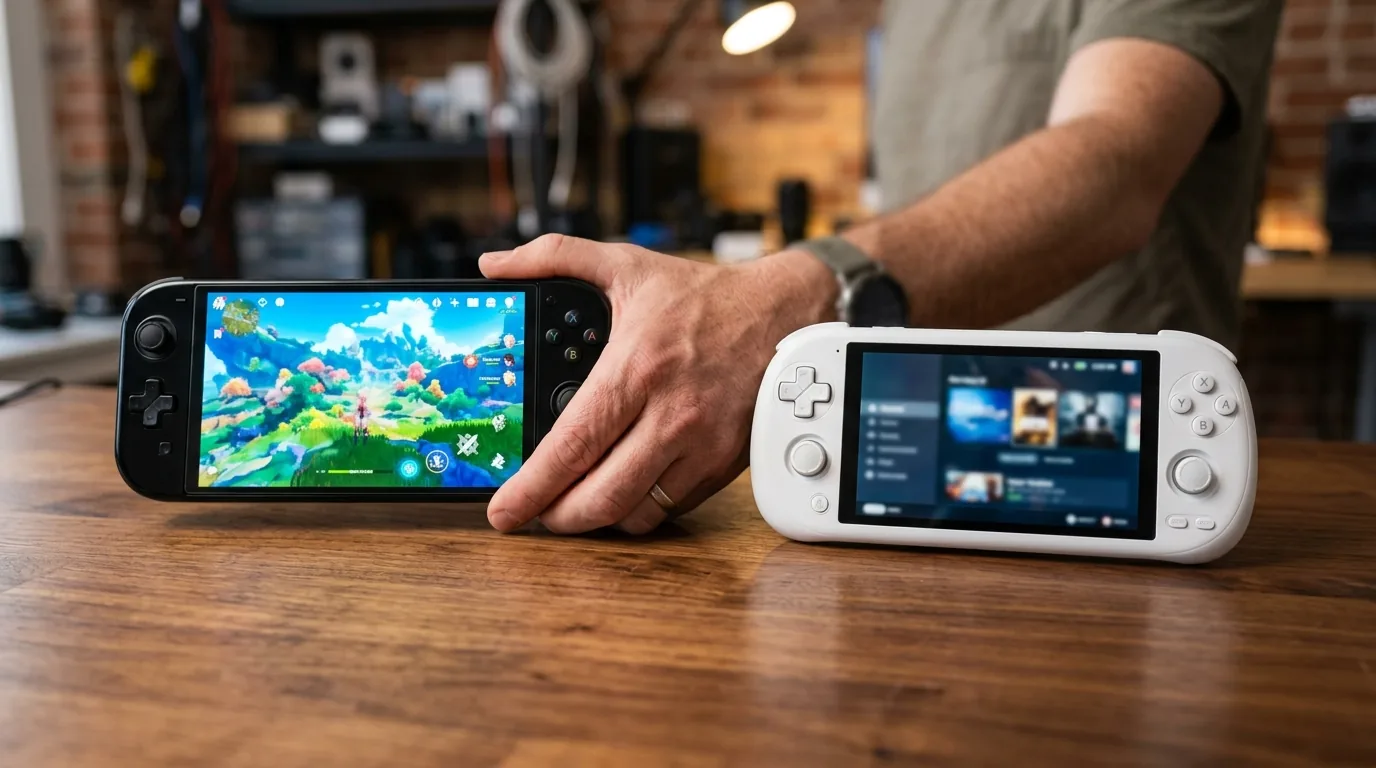


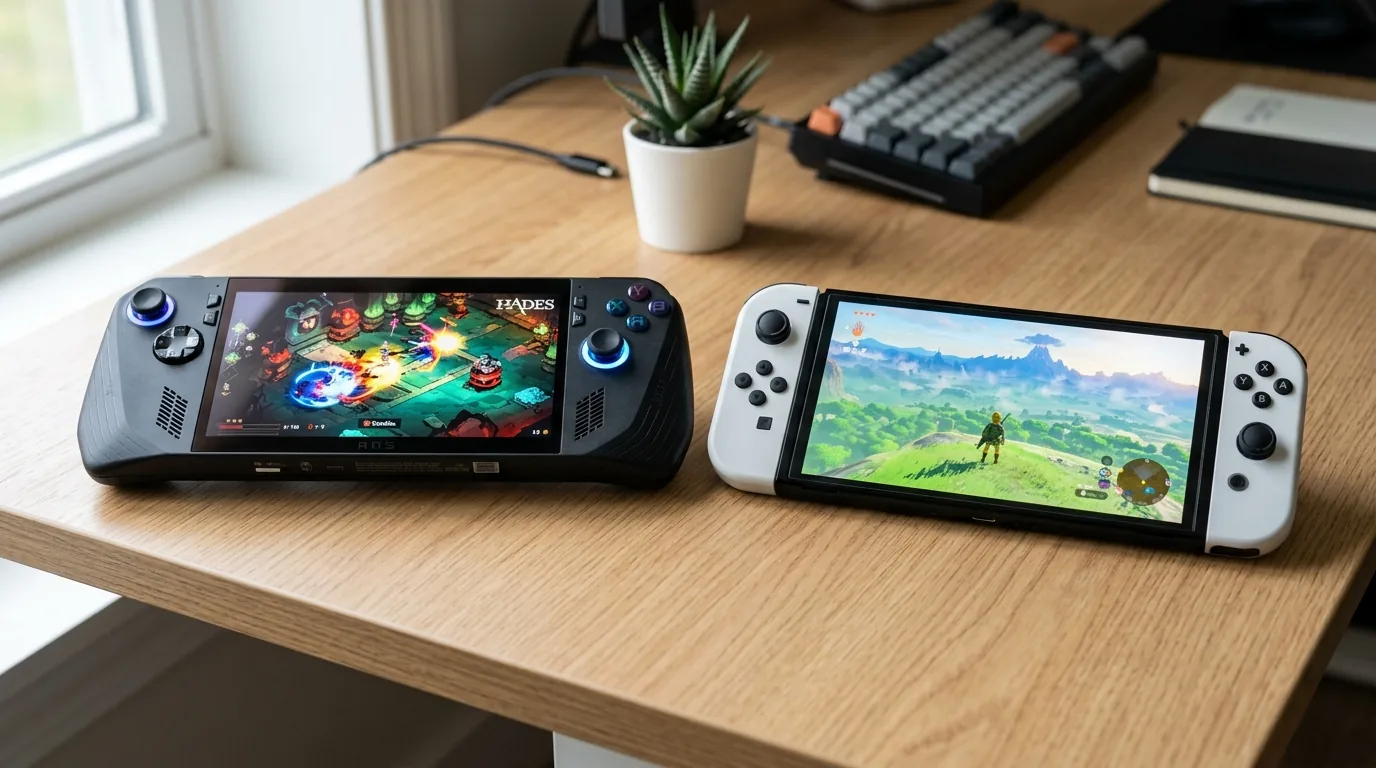
I sat down at my workshop testing desk on a breezy Saturday morning with five affordable handheld gaming devices spread out across my desk mat. Over the past three years, monster portable gaming computers like the ASUS ROG Ally X and Lenovo Legion Go grabbed headlines with high end chips and eye watering price tags of eight hundred dollars or more. Whenever friends ask me which handheld they should actually buy, their budget rarely tops five hundred dollars. Most gamers simply want a dependable machine that plays their favorite games without draining their entire bank account.
To find the absolute best handheld gaming PC under 500 dollars, I spent four weeks testing budget portable consoles across battery benchmarks, screen brightness, controller durability, and gaming frame rates. I evaluated factory refurbished desktop grade machines, specialized retro emulation consoles, and compact Android powerhouses. What I found proves you do not need to spend a thousand dollars to enjoy smooth mobile PC gaming anywhere you travel.
If you want to see how budget machines compare with high end flagships, check out our complete breakdown of the best gaming handhelds of 2026 to see the entire portable computer market.
How We Got Here and The Rise of Affordable Handheld Computing
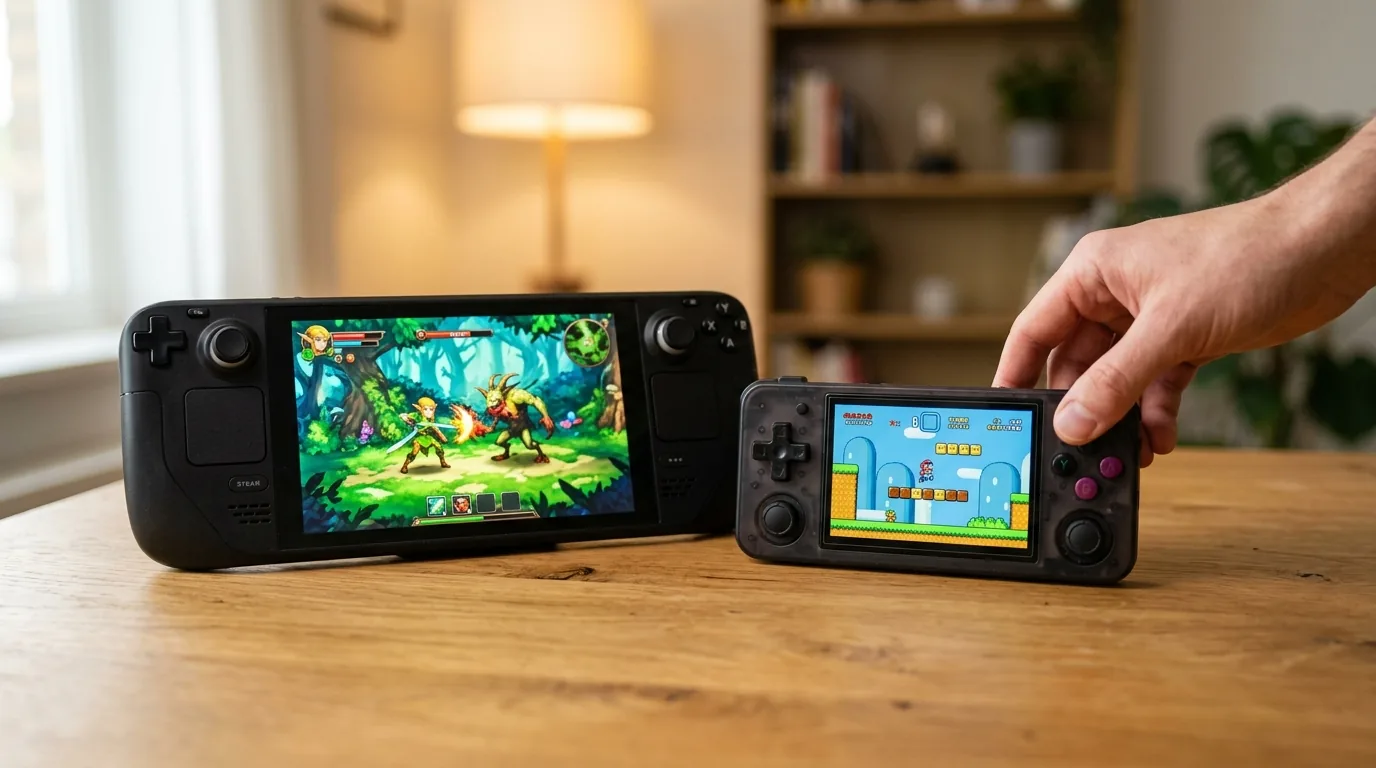
To understand why the budget handheld market is exploding today, we need to look back at the history of portable gaming prices. For decades, handheld gaming was the affordable alternative to expensive television consoles and heavy desktop computers. When Nintendo released the Game Boy Advance and later the Nintendo DS, kids bought them for under one hundred and fifty dollars, enjoying endless hours of entertainment on family road trips.
However, when modern handheld computers arrived, hardware makers stuffed power hungry laptop processors and complex cooling fans into portable shells, pushing retail prices toward laptop territory. A lot of gamers felt left behind. That void created two massive waves of innovation. First, Valve decided to sell certified refurbished Steam Deck LCD models at aggressive entry prices starting at under three hundred and fifty dollars. Second, maker companies began using efficient Qualcomm smartphone chips to build dedicated gaming devices running open source software.
Today, the sub five hundred dollar segment is the most exciting space in mobile tech. You can choose between full PC computer gaming or pocket sized emulation powerhouses that run all day on a single battery charge.
Hardware and Value Comparison Table Under 500 Dollars
Here is how the top budget handheld gaming machines compare across starting price, silicon architecture, operating systems, and our hands on testing verdicts.
| Handheld Model | Price Bracket | Silicon and Operating System | Workbench Verdict |
|---|---|---|---|
| Refurbished Valve Steam Deck LCD | 279 to 349 dollars | AMD Van Gogh APU with SteamOS | The undisputed best value in PC gaming |
| Brand New Steam Deck 256GB LCD | 399 dollars | AMD Van Gogh APU with SteamOS | Full factory retail peace of mind |
| ASUS ROG Ally Base Z1 Non-Extreme | 399 dollars on sale | AMD Ryzen Z1 with Windows 11 | Good for anti cheat games but weak on battery |
| Retroid Pocket 5 | 219 dollars | Qualcomm Snapdragon 865 with Android | Best OLED retro emulation under 250 dollars |
| AYN Odin 2 Mini | 339 dollars | Qualcomm Snapdragon 8 Gen 2 with Android | Pocket friendly Vita shape with modern compute |
The Undisputed Budget Champion Refurbished Valve Steam Deck
If your primary goal is playing your existing Steam computer library without spending a fortune, nothing beats an official certified refurbished Valve Steam Deck LCD. Available directly from Valve for between 279 dollars for the 64GB model and 349 dollars for the 512GB model, this machine delivers the exact same computing horsepower as the original six hundred dollar flagship.
Every certified refurbished unit undergoes factory testing across more than one hundred hardware checkpoints. Valve inspects the battery health, tests every button switch, and cleans the internal cooling fan. Best of all, you receive the exact same one year factory warranty and customer support that comes with a brand new unit. You also get a fresh original carry case and power adapter in the box.
The secret that tech enthusiasts love is pairing a cheap 64GB refurbished Steam Deck with a self installed one terabyte solid state drive. A standard M.2 2230 solid state drive costs around forty dollars online. Swapping the drive takes only ten minutes with a small screwdriver. For approximately 320 dollars total, you end up with a high speed one terabyte handheld gaming computer. That price to storage ratio beats every retail device on store shelves.
To see how the Steam Deck compares with upcoming next generation portable consoles, read our in depth head to head testing of the Switch 2 vs Steam Deck.
The Architecture Trap Behind The Base ASUS ROG Ally Z1
When shopping for a budget Windows handheld, you will frequently see the original white ASUS ROG Ally with the base AMD Ryzen Z1 processor on sale for 399 dollars. At first glance, a 1080p one hundred and twenty hertz display running full Windows 11 sounds like an unbeatable bargain. However, you must understand the architectural cuts inside this chip before spending your hard earned cash.
AMD created two completely different versions of the Z1 silicon. The flagship Z1 Extreme features eight full Zen 4 processor cores and twelve RDNA 3 graphics compute units. The base Z1 non-Extreme cuts that graphics core down by two thirds, giving you only four graphics compute units. That is an enormous downgrade that directly hurts 3D gaming performance.
By comparison, the custom Van Gogh processor inside the Valve Steam Deck features eight RDNA 2 graphics cores tuned specifically for low power operation. In my testing at ten to fifteen watts on battery power, the Steam Deck consistently outpaces the base ROG Ally by twenty to thirty percent in frame rate stability. Demanding games like Cyberpunk 2077 and Elden Ring experience sharp frame rate dips on the base Z1. The base ROG Ally only matches the Steam Deck when you plug it into a thirty watt wall outlet, which defeats the purpose of playing on the go.
Battery Realities and TDP Power Scaling on The Road
Battery endurance is where the biggest divide between handheld gaming PCs and portable consoles appears. Both the Steam Deck LCD and the original ASUS ROG Ally carry forty watt hour battery packs. Yet how their operating systems manage power could not be more different.
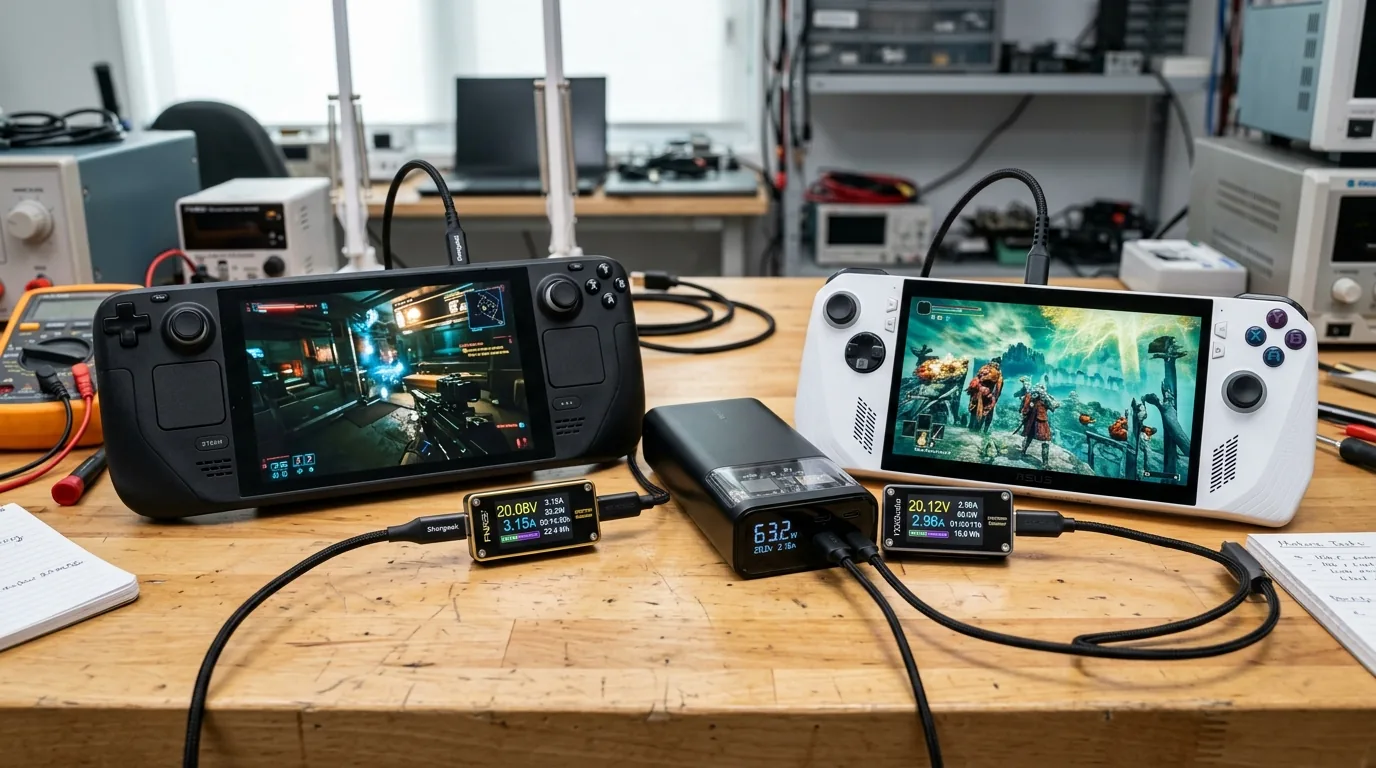
SteamOS is a lightweight operating system built on Linux. When you play lightweight indie games like Hades, Dead Cells, or Balatro, you can manually lower the processor power target down to six or eight watts. At those low power levels, the Steam Deck runs for four to six hours on a single charge. When playing demanding 3D games at fifteen watts, battery life sits around one hour and forty five minutes.
Windows 11 carries substantial background overhead. Antivirus scans, cloud syncing, and background services constantly consume four to seven watts of power even before you open a game. Because the base ROG Ally has a high resolution 1080p screen and higher idle drain, playing modern 3D games drains the battery in sixty to seventy five minutes. If you plan to play away from wall plugs during daily commutes, the Steam Deck is far more practical.
To keep any budget handheld powered up during long travel days, pairing your console with a fast power bank or wall adapter is essential. You can read our tested recommendations for the best USB C fast chargers of 2026.
Hardware Warnings What You Must Know About ROG Ally Memory Cards
If you decide to buy an original ASUS ROG Ally under five hundred dollars, there is a hardware issue you need to know about. Early production models placed the microSD card reader directly above the internal heatsink and exhaust vent.
During heavy gaming sessions at twenty five watts Turbo mode, hot air flowing across the card reader caused high thermal stress, leading to corrupted microSD cards or reader failures. ASUS later updated the motherboard design with improved thermal shielding. If you buy a used or open box original ROG Ally, do not rely on microSD storage for large games. Instead, open the rear cover and upgrade the internal M.2 solid state drive directly. It is faster, safer, and completely avoids heat damage.
The Emulation Alternative Retro Handhelds Under 300 Dollars
Not every handheld gamer needs to run modern Windows games. If your dream library consists of retro classics from the PlayStation 2, GameCube, Dreamcast, and PSP eras, buying a large x86 computer handheld might be overkill. Pocket friendly ARM devices offer remarkable advantages in battery life and screen quality.
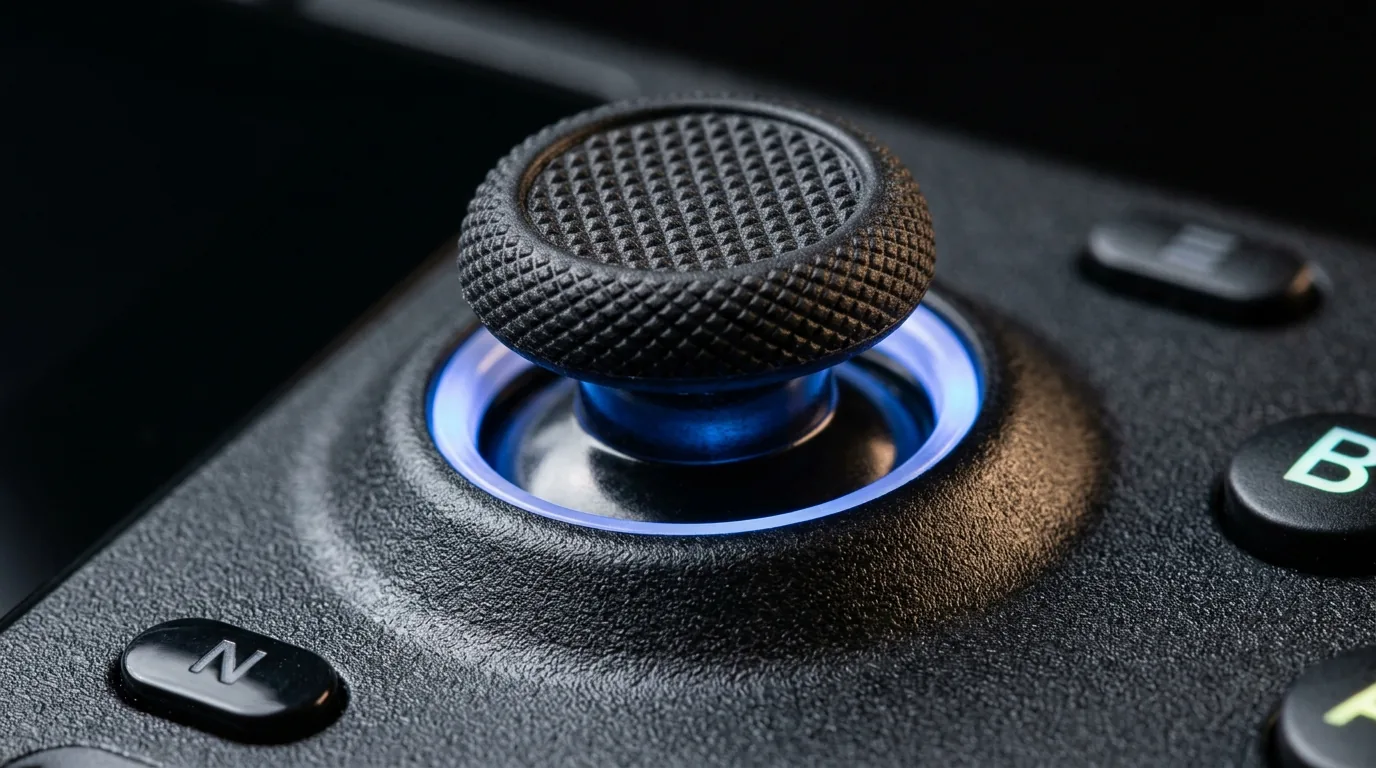
The Retroid Pocket 5 costs only 219 dollars and features a stunning 5.5 inch organic LED screen with deep ink blacks. Powered by a Qualcomm Snapdragon 865 chip, it runs approximately eighty eight percent of the PlayStation 2 catalog at upscaled resolutions while delivering seven to nine hours of battery life. It also includes magnetic Hall Effect joysticks that never develop stick drift.
If you want even more power in a compact shell, the AYN Odin 2 Mini costs 339 dollars and brings a flagship Snapdragon 8 Gen 2 processor inside a Sony PlayStation Vita shape. It scales classic games to four times native resolution and runs modern Android titles at locked sixty frames per second. For a deeper side by side comparison of both machines, read our full Retroid Pocket 5 vs Odin 2 Mini comparison.
The Anti Cheat Dilemma Choosing Between SteamOS and Windows 11
The single biggest decision when buying a budget handheld PC comes down to the games you play online. SteamOS uses a compatibility layer called Proton to run Windows games on Linux. It works like magic for thousands of single player adventures, but kernel level anti cheat software cannot run inside Proton.
If your daily gaming routine involves competitive multiplayer titles like Call of Duty Warzone, Fortnite, Valorant, or Rainbow Six Siege, the Steam Deck cannot launch these games unless you install Windows manually. For gamers who prioritize these specific online shooters, a discounted Windows handheld like the ASUS ROG Ally or an open box Lenovo Legion Go is the only option that works right out of the box.
For everyone else playing single player story games, indie titles, or cooperative adventures like Monster Hunter and Helldivers 2, SteamOS offers a far superior handheld experience. It suspends and resumes games instantly with a quick press of the power button, just like a Nintendo Switch.

Video Guide The Best Budget Handhelds Tested in Motion
To see these handhelds in live action with real gameplay frame rates and audio testing, watch this comprehensive budget buyer breakdown by Tech Fowler comparing the top affordable consoles on the market.
Buyer Persona Recommendations Which Handheld Should You Buy
Finding the right machine under five hundred dollars depends entirely on what you want to play and where you spend your time.
Buy the Certified Refurbished Steam Deck LCD if you want the absolute best overall handheld PC value. For around three hundred dollars, you get unmatched comfort, fantastic low power battery scaling, reliable SteamOS software, and a full factory warranty. Adding a forty dollar one terabyte drive creates the ultimate portable gaming computer for under 350 dollars.
Buy the ASUS ROG Ally Base Z1 only if you must play competitive anti cheat games like Call of Duty or Fortnite on a budget and plan to play near power outlets. Just remember to rely on internal storage rather than memory cards.
Buy the Retroid Pocket 5 or AYN Odin 2 Mini if you care most about retro emulation up through PlayStation 2, pocket portability, and all day battery life. Their gorgeous screens and lightweight shells make them joyful travel companions.
Frequently Asked Questions
What is the best handheld gaming PC under 500 dollars?
The Valve Steam Deck LCD is the best handheld gaming PC under 500 dollars. Available brand new for 399 dollars or certified refurbished directly from Valve starting at 279 dollars, it delivers smooth performance across thousands of PC games with superior battery life and intuitive software.
Is the base ASUS ROG Ally Z1 non-Extreme worth buying?
The base ROG Ally Z1 is only worth buying if you specifically need Windows 11 for games with anti cheat software like Fortnite. In handheld mode on battery power, its cut down four core graphics engine runs noticeably slower than the Valve Steam Deck.
Can you play Call of Duty and Fortnite on the Steam Deck?
Not on standard SteamOS. These multiplayer games require kernel level anti cheat software that does not support Linux. To play them on a Steam Deck, you must install Windows 11 onto an internal drive partition or an external drive.
Are refurbished Steam Decks reliable to buy directly from Valve?
Yes, Valve certified refurbished units are extremely reliable. They undergo more than one hundred hardware testing checks, come with brand new accessories and cases, and include the exact same one year factory warranty as brand new retail units.
Can a budget handheld under 300 dollars run modern PC games?
A certified refurbished 64GB Steam Deck LCD at 279 dollars can run modern PC games natively. Android handhelds in this price range like the Retroid Pocket 5 cannot run PC games directly, but they excel at streaming PC titles over cloud services like Xbox Cloud Gaming or Moonlight.
How long does the battery last on a budget handheld gaming PC?
Battery runtime depends on game complexity and power settings. The Steam Deck lasts between four to six hours playing lightweight indie games and around one hour and forty five minutes on heavy 3D titles. Windows handhelds like the ROG Ally average sixty to seventy five minutes during demanding games.
What is the cheapest way to get one terabyte of storage on a Steam Deck?
The cheapest method is buying an entry level 64GB or 256GB refurbished Steam Deck and purchasing a separate one terabyte M.2 2230 solid state drive online for around forty dollars. Installing it takes ten minutes and saves you over one hundred dollars compared to buying higher storage factory models.
Does the ASUS ROG Ally still destroy microSD cards?
Early motherboard versions of the original ROG Ally suffered from heat related card reader failures due to poor exhaust placement. While newer revisions added thermal shielding, owners of original models should upgrade the internal solid state drive rather than relying on microSD storage for large games.
Loading comments…